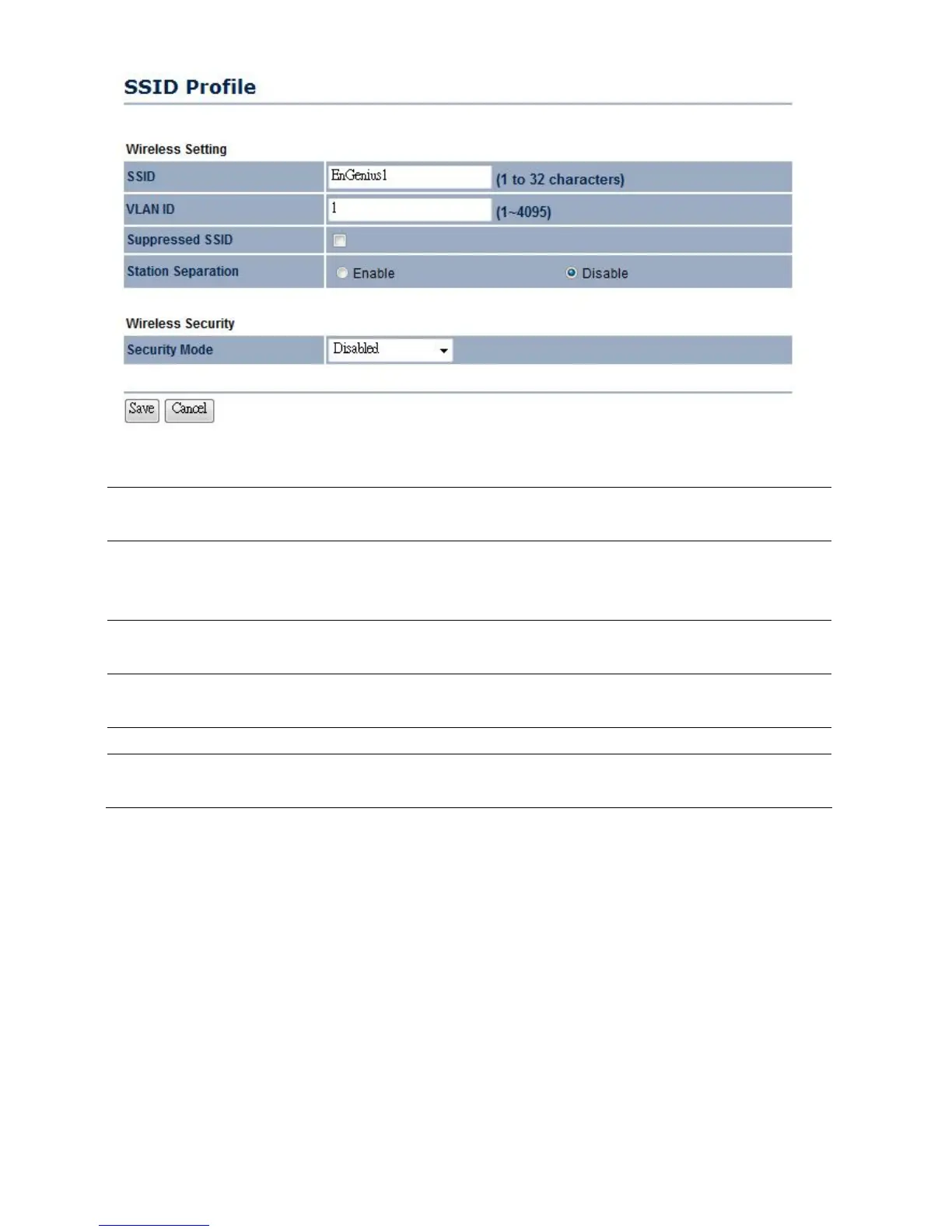
SSID Specify the SSID for current profile. This is the wireless network
name that wireless clients will use to connect to the AP.
VLAN ID Specify the VLAN tag for current profile. Only use if configuring
multiple SSIDs. Must be using VLAN enabled switches on the
network.
Suppressed SSID Place a check to hide the SSID. Clients will not be able to see the
broadcast SSID in Site Survey.
Station Separation Select enable to prevent clients associated to the same AP from
communicating with one another.
Wireless Security Please refer to the Wireless Security section.
Save / Cancel Press Save to save the changes or Cancel to return previous
settings.













 To Next Page