Long Range Wireless Access Point / Client Bridge Version 1.0
15
Wireless Client List
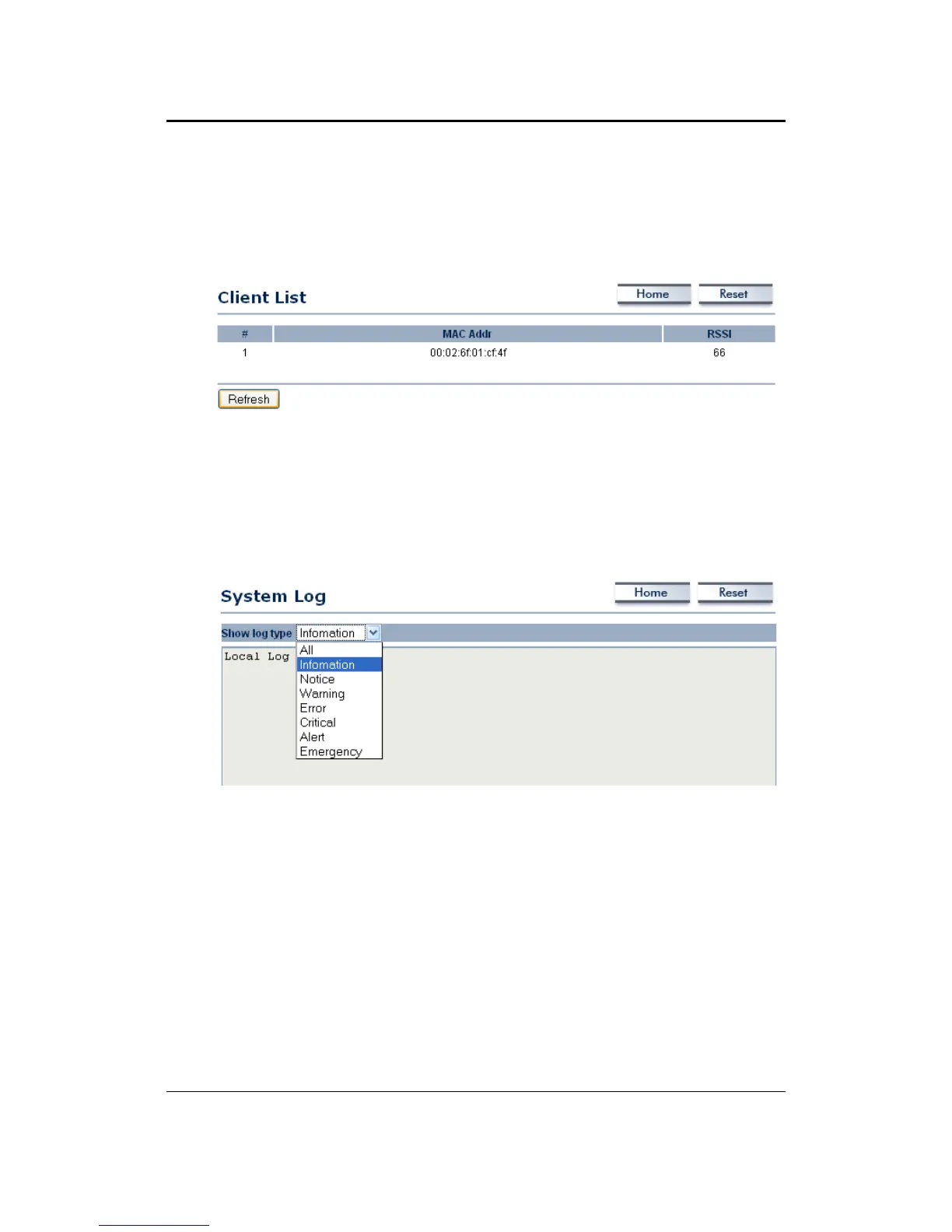
Click on the Wireless Client List link under the Status drop-down menu. This page
displays the list of Clients that are associated to the Access Point.
The MAC addresses and signal strength for each client is displayed. Click on the
Refresh button to refresh the client list
System Log
Click on the System Log link under the Status drop-down menu. The device
automatically logs (records) events of possible interest in its internal memory. If there
is not enough internal memory for all events, logs of older events are deleted, but
logs of the latest events are retained.



 To Next Page