EasyManua.ls Logo

enphase M215 - User Manual

enphase M215
36 pages
Print Icon
To Next Page IconTo Next Page
Loading...
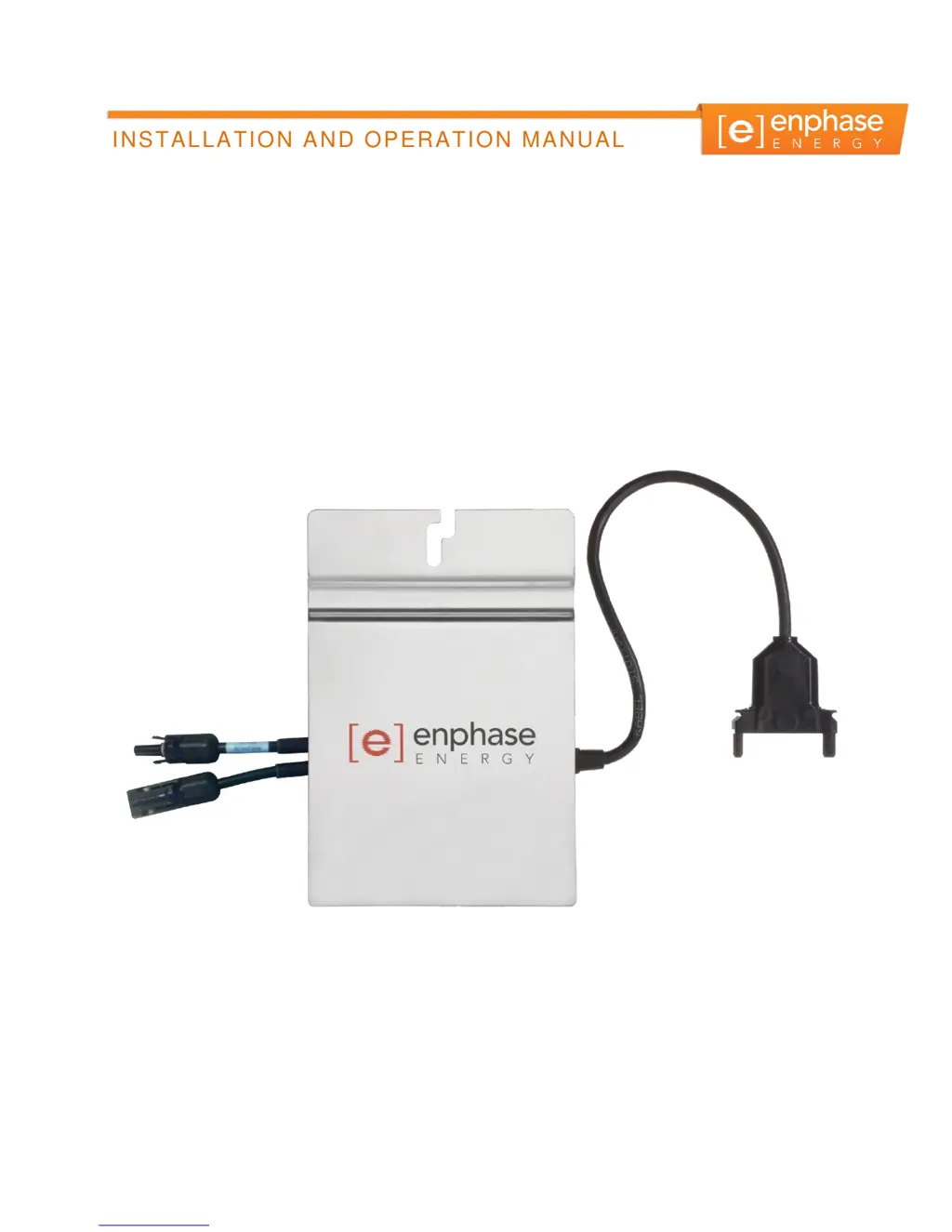
INSTALLATION AND OPERATION MANUAL
141-00012, Rev 05
Enphase Microinverter
Model M215

Table of Contents

Other manuals for enphase M215

Questions and Answers

  • A
    Andrew FloresJul 26, 2025
    How to fix failure during enphase M215 Inverter microinverter startup?
    • E
      Erin TuckerJul 27, 2025
      Six short red blinks right after applying DC power to the microinverter indicates a startup failure. If it continues to fail, contact Enphase customer service to get an RMA number and initiate the replacement.
  • F
    frederickvanessaAug 2, 2025
    What to do if enphase M215 has a ground fault (GFDI) error?
    • J
      james95Aug 2, 2025
      If your Enphase Inverter has detected a ground fault (GFDI) error, it means that the microinverter has detected a ground fault (GFDI) error. Follow the instructions in the Envoy Communications Gateway Installation and Operation Manual at http://www.enphase.com/support to clear this condition. Or, for assistance, contact Enphase customer support at support@enphase.com.
  • J
    Jose BullockAug 7, 2025
    What to do if there are AC line voltage issues with enphase M215?
    • L
      Luke HolmesAug 7, 2025
      If you are experiencing AC line voltage issues, verify that AC line voltage at all solar power circuit breakers at the load center and subpanels is within the ranges shown in the following table.
  • J
    Julie FrederickAug 13, 2025
    What to do if there are DC PV module connectors issues with enphase M215?
    • J
      Jared ChanAug 14, 2025
      If you are experiencing DC PV module connector issues, disconnect and re-connect the DC PV module connectors.
  • M
    Matthew WhiteAug 19, 2025
    What to do if there is no current flowing in the DC wires between the PV module and the Enphase Inverter?
    • H
      hickmanericAug 19, 2025
      Use a clamp on meter to check and confirm that there is indeed no current flowing in the DC wires connecting the PV module to the microinverter.

Summary

Important Safety Information

The Enphase Microinverter System

Planning for Microinverter Installation

Enphase Microinverter Installation

Step 1: Measure AC Voltage at the Electrical Utility Connection

Procedure to measure AC line voltage at the utility connection to ensure it's within acceptable ranges.

Step 2: Install the AC Branch Circuit Junction Box

Guidance on installing the junction box, sizing AC wire gauge, and connecting to the utility.

Step 3: Position the Enphase Engage Cable

Instructions for laying out the Engage Cable and positioning connectors to align with PV modules.

Step 4: Attach the Microinverters to the PV Racking

Details on mounting microinverters to the PV racking, including positioning and torque specifications.

Step 5: Ground the System

Procedure for grounding the microinverter chassis and PV racking according to electrical codes.

Step 6: Dress the Enphase Engage Cable

Requirements for securing and dressing the Engage Cable to prevent damage and tripping hazards.

Step 7: Connect the Microinverters

Instructions for connecting microinverters to the Engage Cable, ensuring secure latching.

Step 8: Terminate the Unused End of the Engage Cable

Detailed steps for properly terminating the unused end of the Engage Cable with a terminator cap.

Step 9: Connect the Engage Cable to AC Junction Box(es)

Procedure for connecting the Engage Cable into AC junction boxes, including wiring details.

Commissioning and Operation

Troubleshooting

Technical Data

Engage Cable Specifications

Engage Cable Planning and Ordering

Voltage Types and Conductor Count

Cabling Length Options

Sample Wiring Diagram: M215, 240 VAC

Sample Wiring Diagram: M215, 208 VAC

enphase M215 Specifications

General IconGeneral
AC Power Output215 VA
Efficiency96%
Operating Temperature Range-40°C to +65°C
CoolingNatural Convection
Peak Efficiency96.5%
CEC Weighted Efficiency96.0%
AC Frequency60 Hz
Warranty25 years
AC Voltage240 V
CommunicationPower Line Communication

Related product manuals