11
Startup and Shutdown
To Start the Pocket eDGe
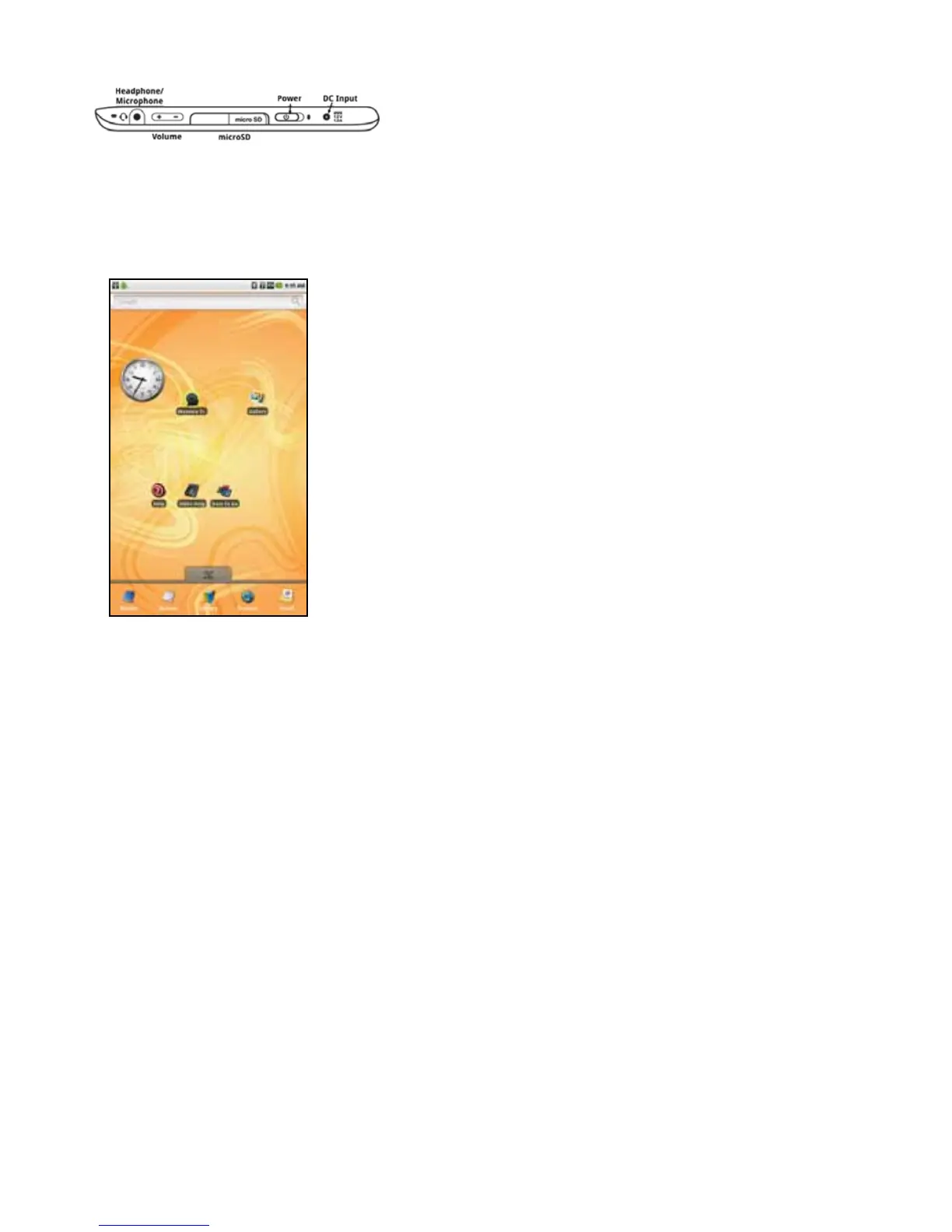
Slidethepowerswitchandreleasetoturnonthepower.ThePocketeDGewillstartup.Startupwilltakeafew
moments.
ThePowerLEDtotherightofthepowerswitchwilllight.ThescreenwillashandtheenTouragelogowillap-
pear.Thereaderscreenwilldisplaythereadersplashscreen.YouwillknowthatthePocketeDGeisreadytouse
whenyouseethehometabletscreen.
To Shut Down the Pocket eDGe
SlidethepowerswitchandreleasetoturnoffthePocketeDGe.Theshutdownscreenopens.SelectPowerdown
toturnoffthedevice.
Return to Contents



 To Next Page