38
Adding or Deleting Icons on the Tablet
Youcanmoveaniconforanapplicationtothetablethomescreenusingtwodifferentmeth-
ods.
First method:
1.Atthehomescreen,pressthemenu button.
2.PressAdd.
3.
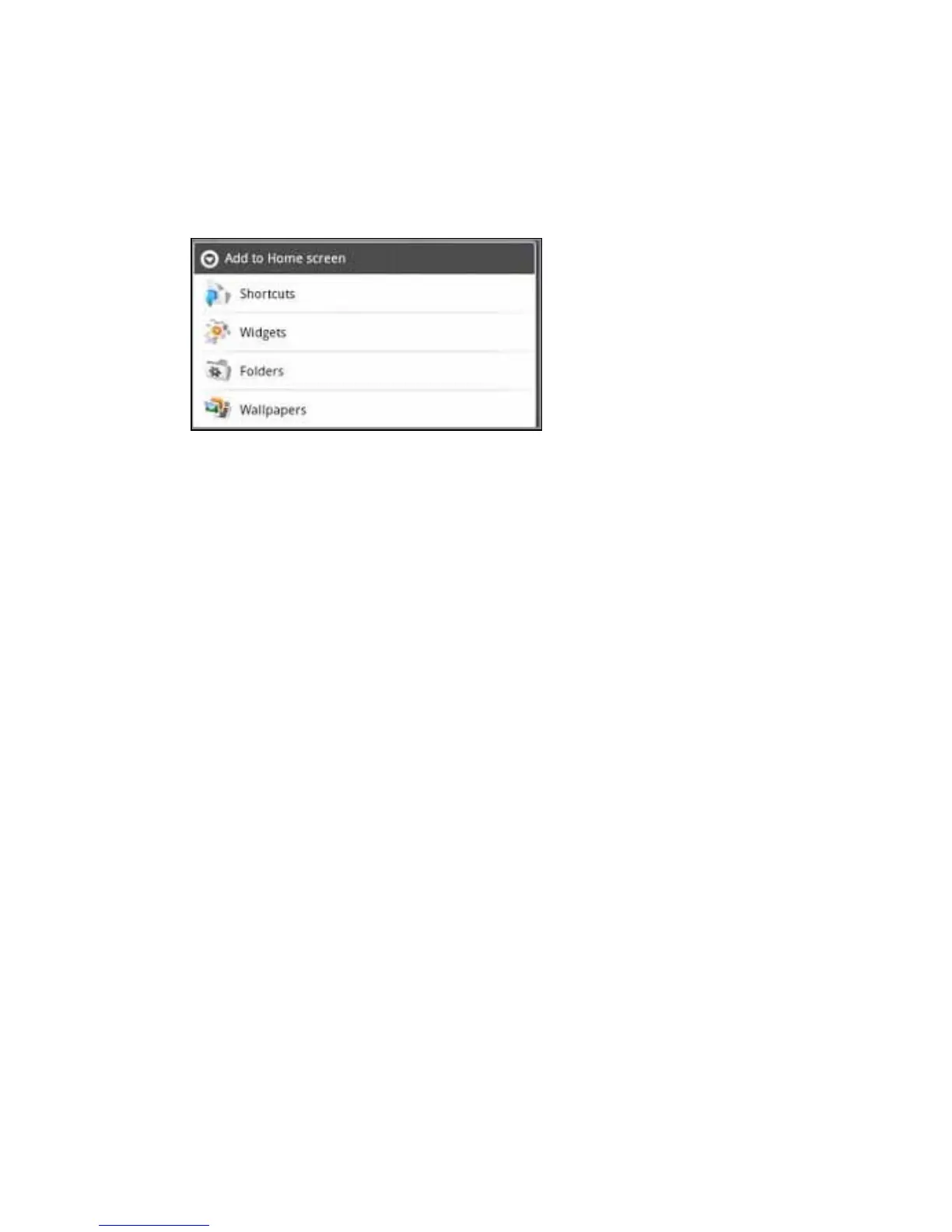
OntheAdd to Home screenmenupressShortcutstoaddashortcuttoanapplication,
bookmark,ormusicplaylist.YoucanalsochooseWidgetstoaddawidgetsuchasan
analogclockorcalendar.
Second method:
1.Pressandholdthetabletscreenitself,whichopenstheAdd to Home screenmenu.
2.PressShortcutstoaddanicontoyourhomescreen,thenpressApplications.Alist
ofapplicationsopens.
3.Choosetheapplicationfromthelist.Theiconisdisplayedonthehomescreen.
To delete an icon:
1.Pressandholdtheicononthetablet.Atrashcanopensatthebottomofthetablet.
2.Dragtheicontothetrashcan.NOTE:Theapplicationisnotremovedfromthedevice.
Return to Contents



 To Next Page