EasyManua.ls Logo

enTourage Pocket eDGe - Using the Library; Navigating Library Content

Default Icon
83 pages
Print Icon
To Next Page IconTo Next Page
To Previous Page IconTo Previous Page
Loading...
43
Using the Library
Tondthingsinyourlibrary:
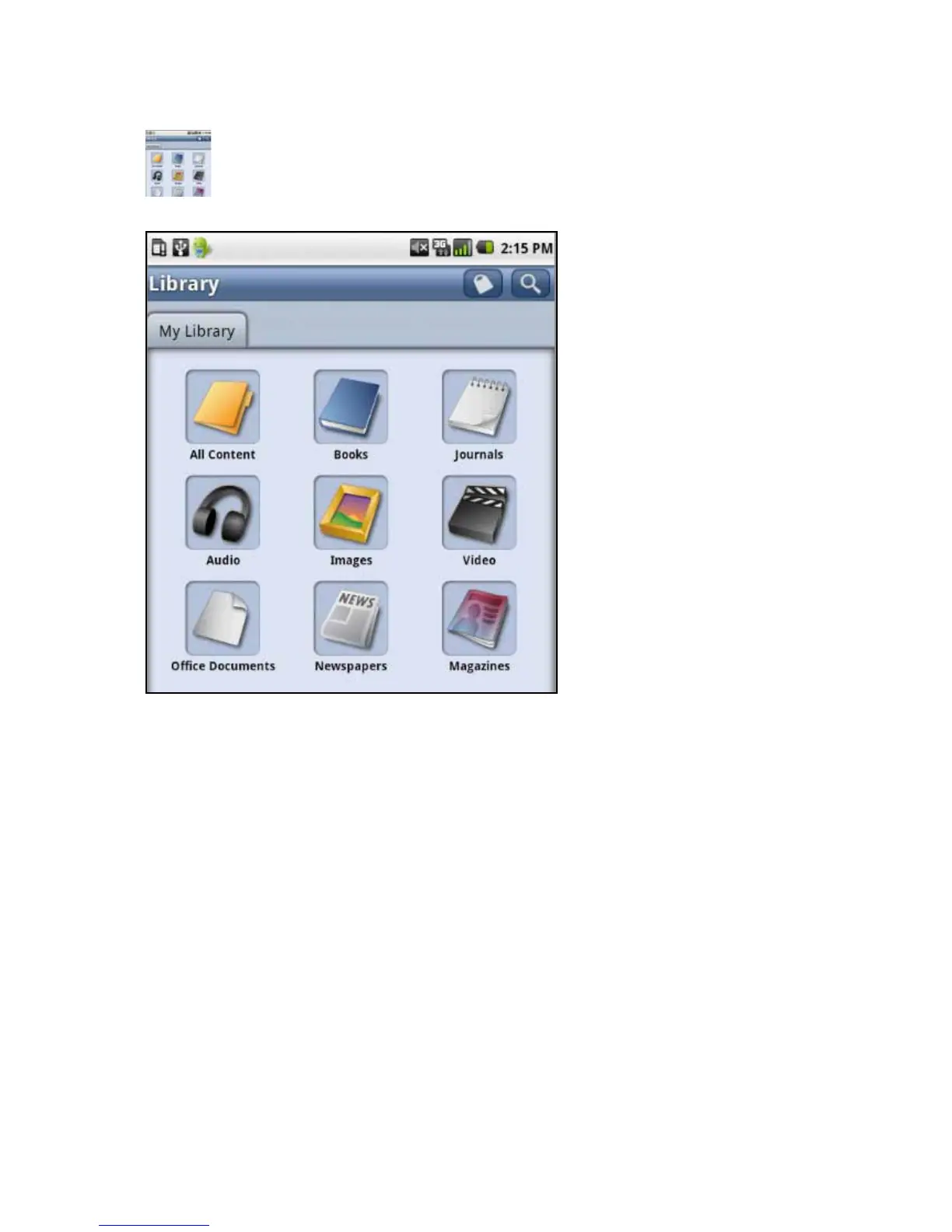
Onthetablet,presstheLibraryicontoviewyourbooks,music,orpictures.
Thelibraryopensshowingthecontents.
SelectafoldertoseeAllContent,Books,Journals,Audio,Images,Video,Ofce
Documents,Newspapers,orMagazines.
Return to Contents

Other manuals for enTourage Pocket eDGe

Related product manuals