67
File Manager
YoucanmanagelesonyourdeviceusingtheFileManagerapplication.
1.Opentheapplicationsmenu.
2.SelecttheESFileExplorer.
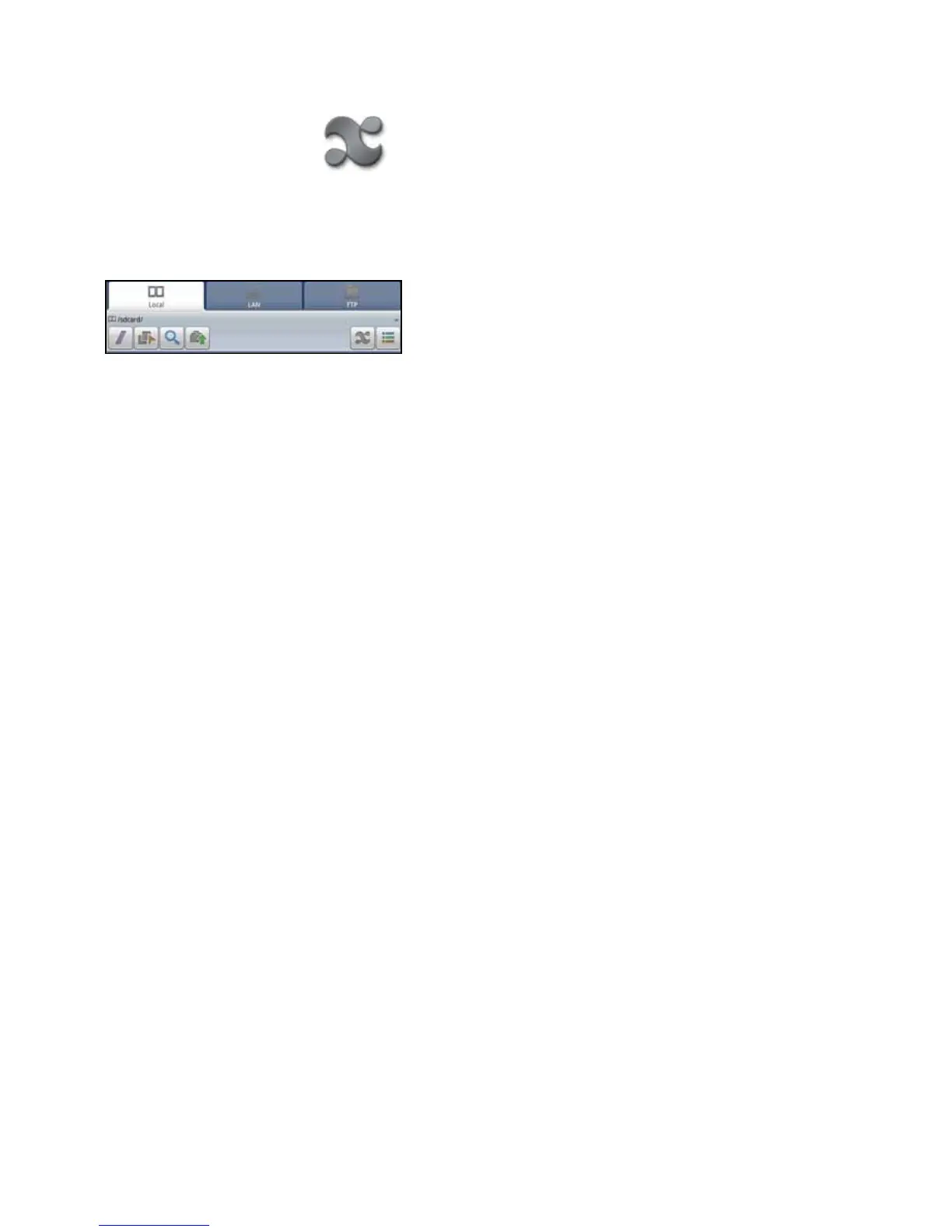
Thedevicelestructureisshown.Youcanselectafolderfromthelist.TherearetabsforLocal,LAN,orFTP.
YoucanselectLANorFTPtoaddotherlocationstothelemanager.
Thetoolbarincludesbuttonsthatletyou:
• Moveuptotherootdirectory
• Turnonmulti-select
• Search
• Moveuponelevel
• Viewapplicationsonthedevice
• Switchbetweenlistvieworcolumnviewforfolders
WARNING:Donotdeleteanylesthatbeginwithdot(.)Theyarevitaltotheoperationofthedevice.
Return to Contents



 To Next Page