50
Alarm Clock
TousetheAlarmClockapplication:
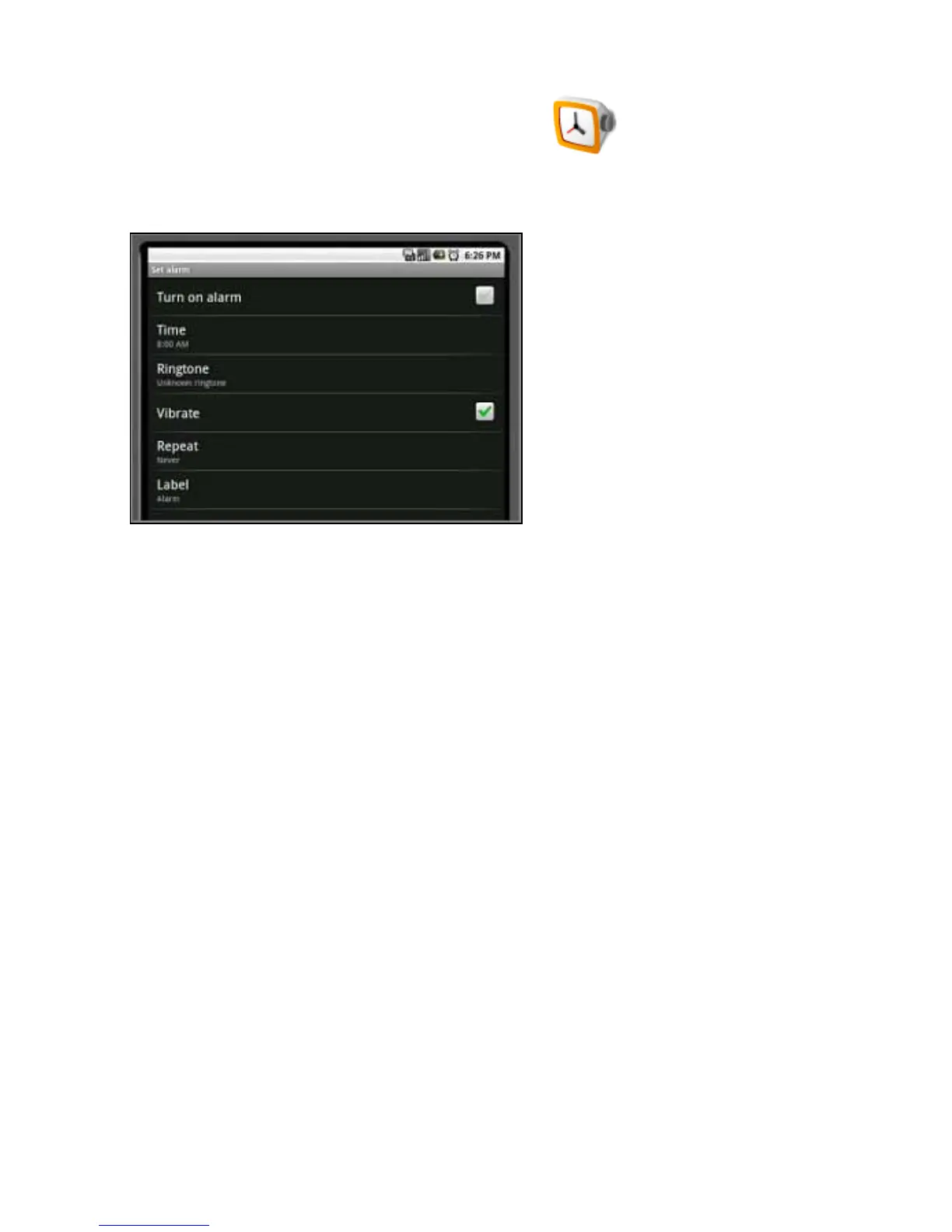
1.OpentheapplicationsmenuandselecttheAlarmClockicon.
2.PresstheMenubutton.
3.PressAddalarm.Thealarmscreenopens.
4.SelectTimetoenterthetime.Usethe+and-buttonstosetthealarmtime.
5.SelectRingtonetochoosethealarmsound.Chooseasoundfromthelist.
6.SelectRepeattochoosethedaysoftheweekforthealarm.Press Turn on alarmtoactivate
it.
7.YoucanselectLabeltonamethealarm.
8.Toreturntothemainmenu,pressthehomebutton.
Return to Contents



 To Next Page