6
Inputs and Outputs
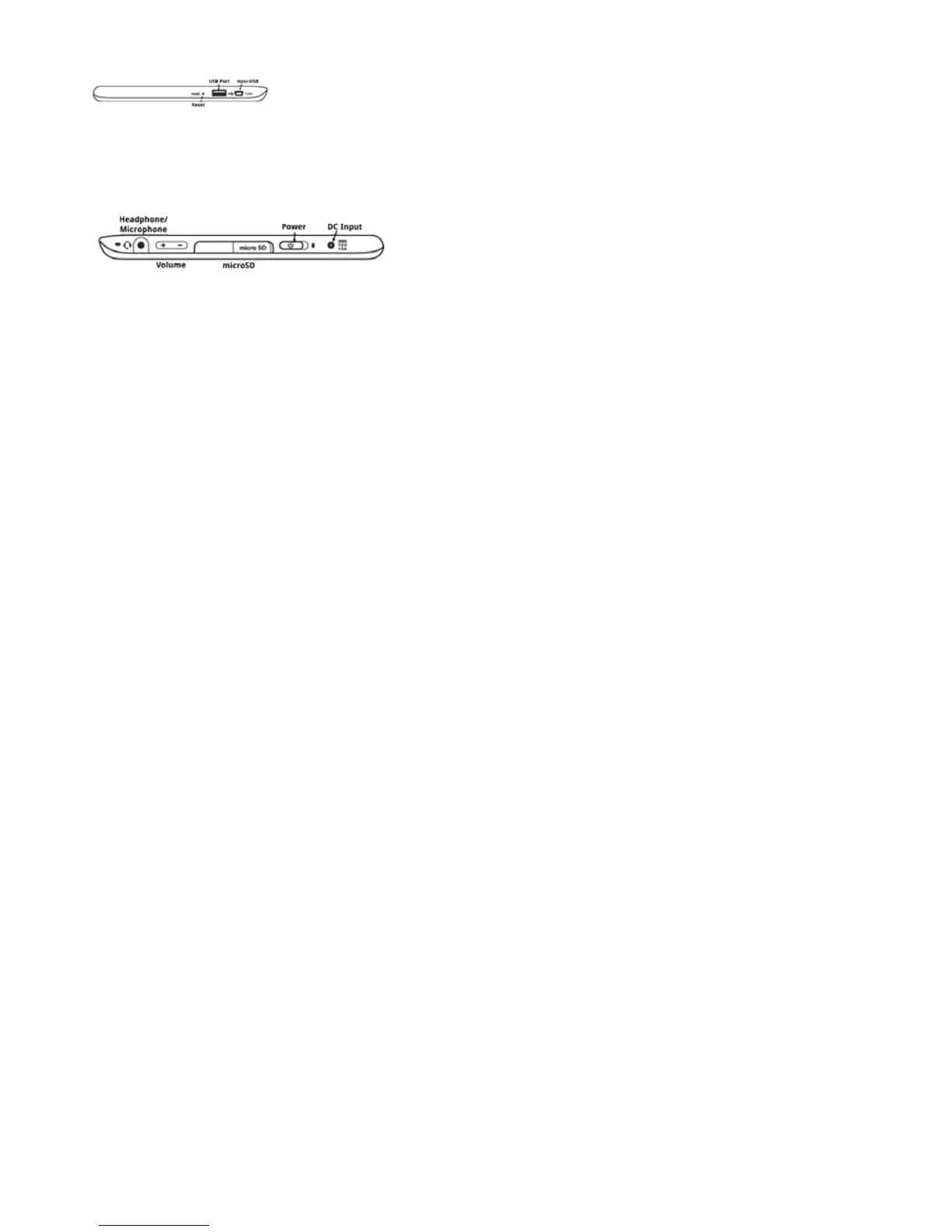
Theimagebelowshowsthecontrols,inputs,andoutputsonthetopofthePocketeDGe.
ConnectUSBdevicessuchasakeyboardoraUSB-to-EthernetadaptorintotheUSBport.SeeConnectingtoa
Networkfordetails.
ThisimageshowsthebottomofthePocketeDGe.
Thestandard3.5mminputacceptsacombinationheadphone/microphonejack.YoucanuseamicroSDcardto
addmorestoragetothePocketeDGeorconnecttothemini-USBporttomovelesfromaPC.Formoredetails
seemicroSDCardandMovingFileswiththeMini-USBConnector.
Thereisoneopeningfortheinternalmicrophoneonthetopoftheunit.
Return to Contents



 To Next Page