32
Adding Content Using a MicroSD Card
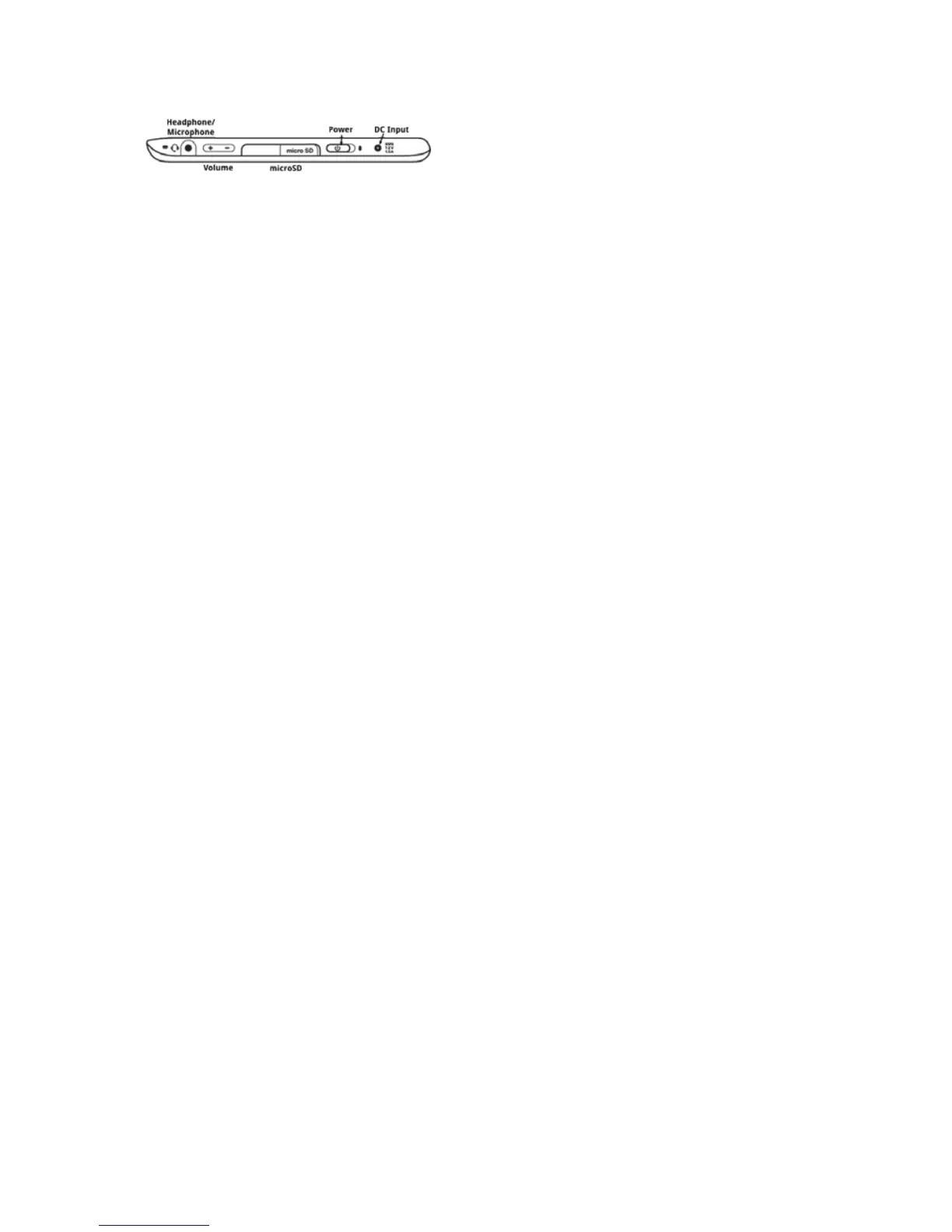
ThePocketeDGeacceptsmicroSDcards.
ToaddcontentusingthemicroSDcard:
1.SavelesonyourmicroSDcardusingyourlaptoporotherdevice.
2.OpentheaponthebottomofthePocketeDGetoaccessthemicroSDslot.
PushthemicroSDcardintotheslotwiththecontactsfacingdownandthenotched
edgetotheright,ifthePocketeDGeisfacingyouasshownabove.Thecardwill
snapintoplace.
NOTE:BeforeremovingamicroSDcard,unmountthecardasfollows:open
theapplicationsmenu,selectDeviceStorage,selectthemicroSDcardthen
chooseUnmount.
ToremovethemicroSDcard,pushinonthecardtoreleaseit.
Return to Contents



 To Next Page