55
Using the Web Browser
Toaccessthewebbrowser:
1.Selectthebrowseronthenavigationbar.
2.Toenteraspecicwebaddress(URL),clicktheMenubuttontoopenthebrowsermenu.ThenselectGo.A
virtualkeyboardopens.EntertheURL.
NOTE:The.comextensionisavailabletosavetyping.
3.AfteryouentertheURL,pressGo.
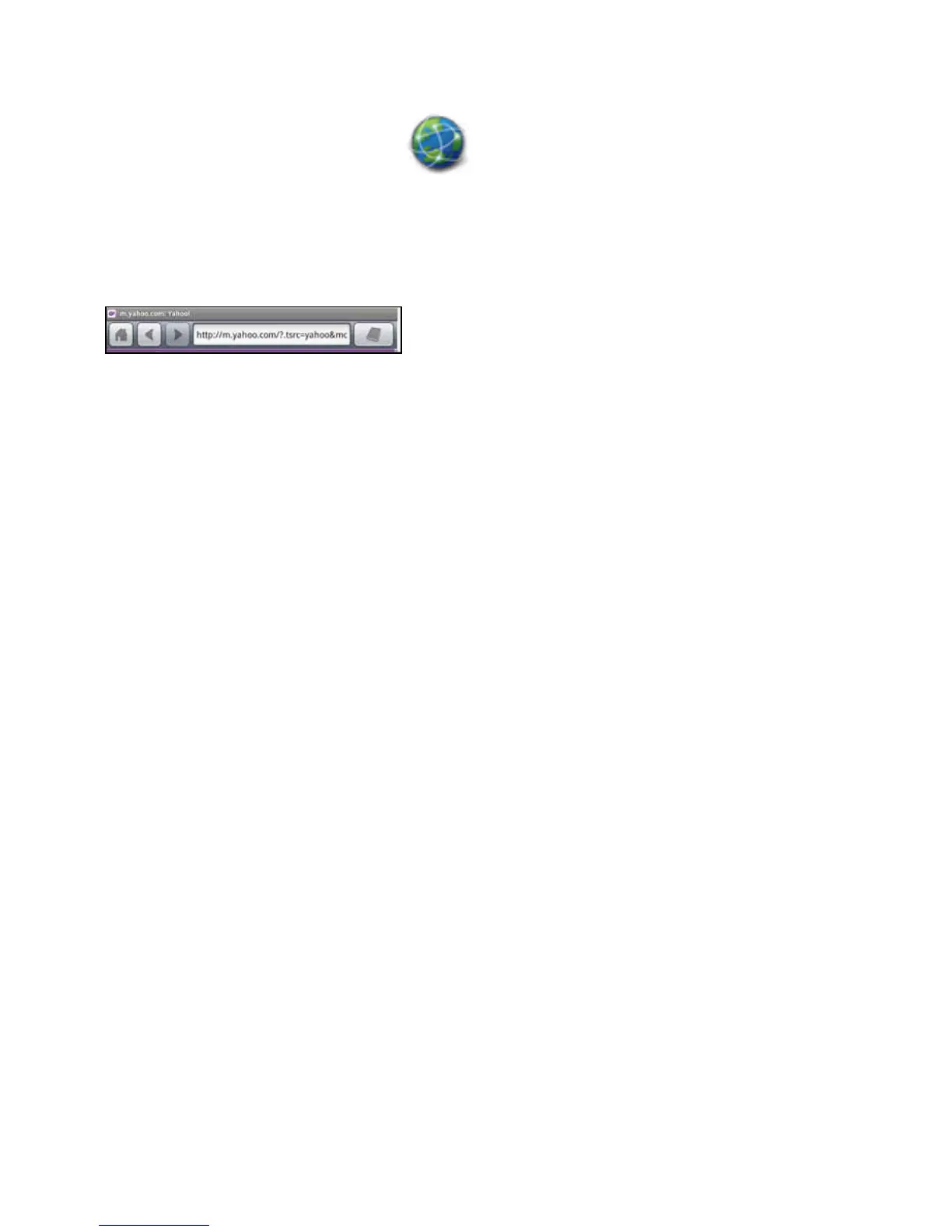
Thebrowsertoolbarisshownabove.Thereareiconsfor:
• Home
• Back
• Forward
• ViewPageonReader
SeeTheWebBrowserMenuformoredetails.
Toreturntothemainmenupressthehomebutton.
Return to Contents



 To Next Page