73
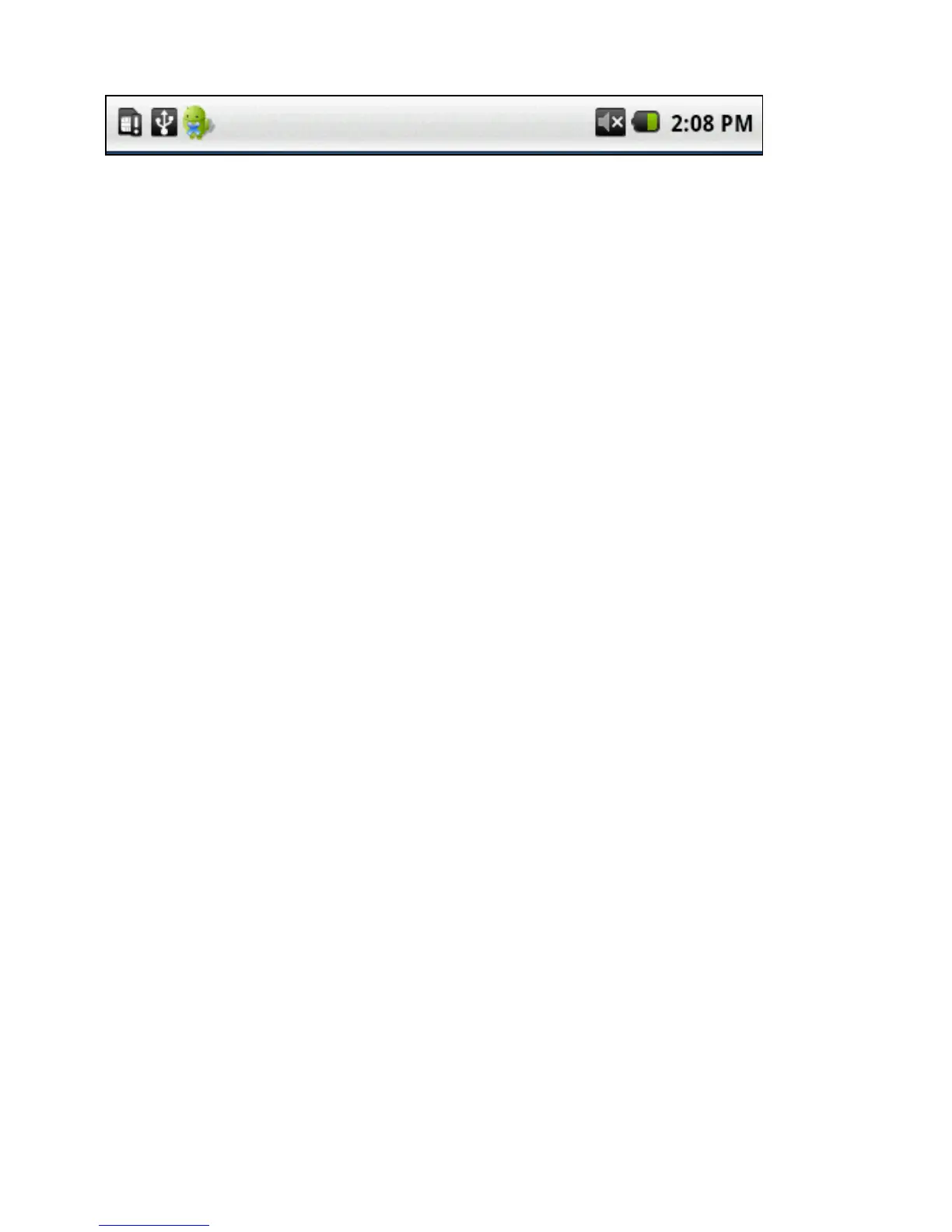
Notication Bar
Thetopbarofthetabletshowstheconnectionstatusfor
• Bluetoothconnection
• WiFisignalstrength
• Speakervolume
• Batterylevel
• Time.
Italsodisplayssystemnoticationicons.Systemnoticationsincludenewmessagesand
alarms.
Toseetheentirenoticationmessage,touchthebarandslideitdowntorevealtheentirenoti-
cation.
Youcanalsoviewnoticationsbypressingthehomebutton,thenpressingthemenubutton.
SelectNoticationsfromthepopupmenu.
YoucanclearthelistbyselectingClearnoticationsatthetopofthenoticationsbar.
Return to Contents



 To Next Page