8 Printer Installation
Set Up the Printer
Use the information in the following sections to set up the printer to print cards.
Unpack the Printer
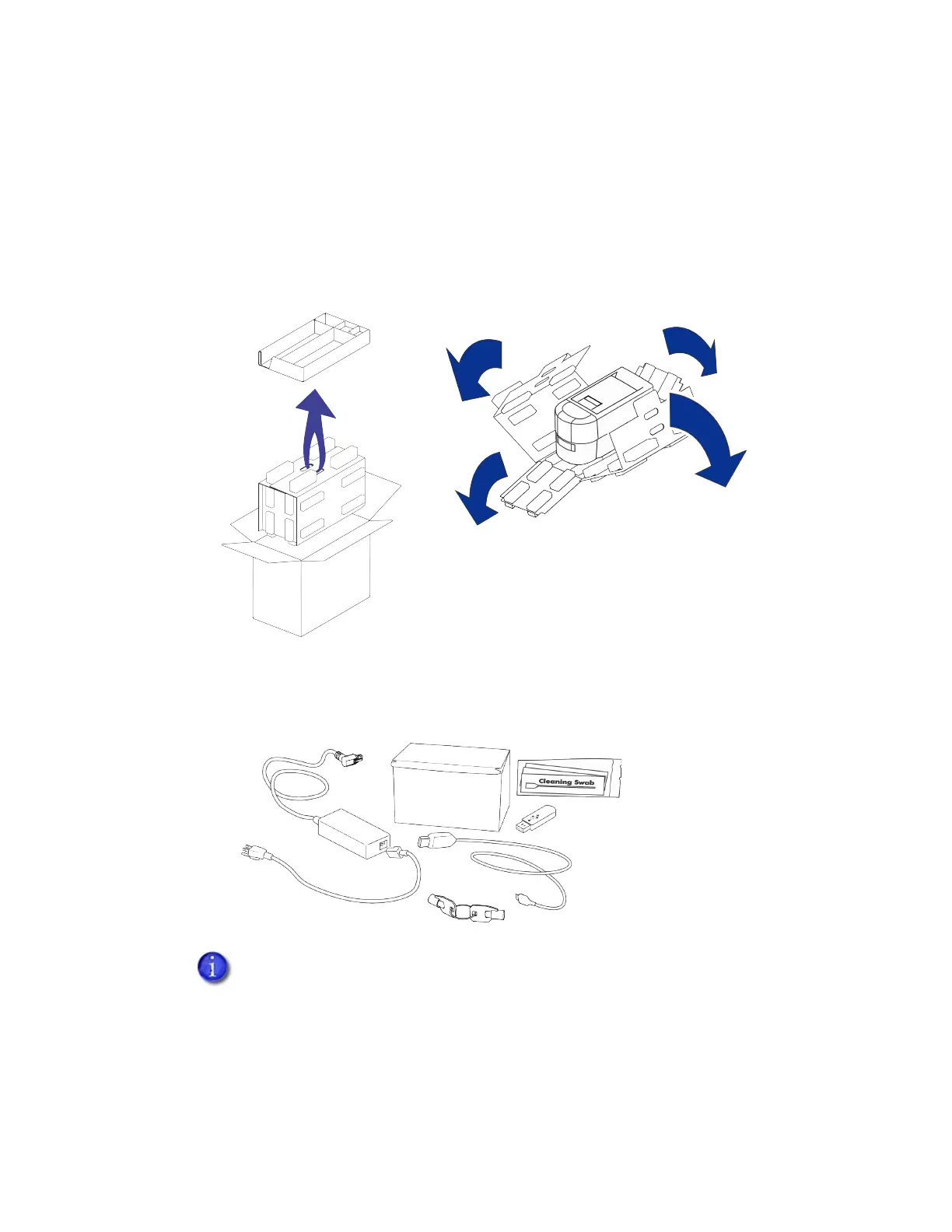
1. Remove the accessories tray and printer from the shipping carton.
The accessories tray holds the printer power supply and power cord, a print ribbon, keys (for
locking printers), cleaning swabs, and a USB flash drive. The flash drive contains the user
documentation.
2. Place the printer on the selected work surface. Make sure that the surface meets the
requirements described in “Site Requirements” on page 3.
Save the shipping cartons and packing materials. They are required if you need
to store, move, or return the system for service.



 To Next Page