38 Elements of Card Design
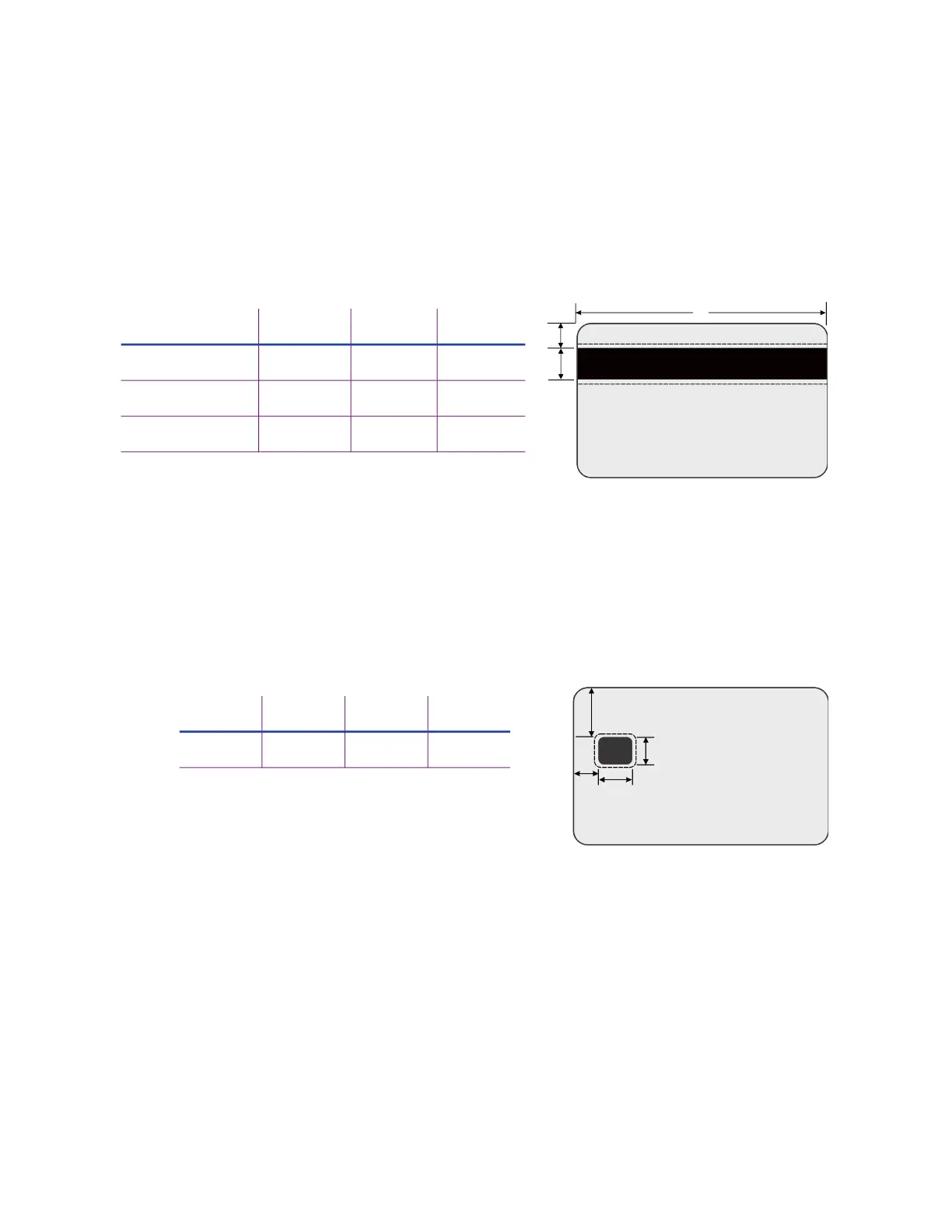
Standard Magnetic Stripe Non-Printing Area
The magnetic stripe typically is located on the back of the card.
The following table shows the standard measurements for magnetic stripes. Use these values if
you need to define a non-printing area. The non-print blocking area must extend outside the
magnetic stripe by 0.05 in (1.27 mm), indicated by the dotted lines.
Standard Smart Card Non-Printing Area
The smart card area typically is located on the front of the card.
The following table shows the measurements for a typical smart card chip. The smart card chip
can vary in size, shape, and location. Adjust these values based on the card stock you use. The
non-print blocking area must extend outside the smart card chip by 0.05 in (1.27 mm), indicated
by the dotted line.
Custom Non-Printing Areas
Use ID software, a custom application, or escapes to define custom non-printing areas for one or
more of the following:
Blocking printing but not topcoat
Non-standard areas, such as a preprinted logo or a signature panel
More than one area on the same side of the card, such as a magnetic stripe and a
signature panel
A B C
3-track 5.0 mm 13.5 mm 86 mm
2-track 6 mm 9 mm 86 mm
Single-track (JIS) 7.5 mm 7.5 mm 86 mm
C
A
B
A B C D
19.5 mm 10 mm 13 mm 12 mm
A
B
C
D



 To Next Page