Sigma DS4 and DS4-ES1 Installation and Administrator’s Guide 17
Plug in and Power On the Printer
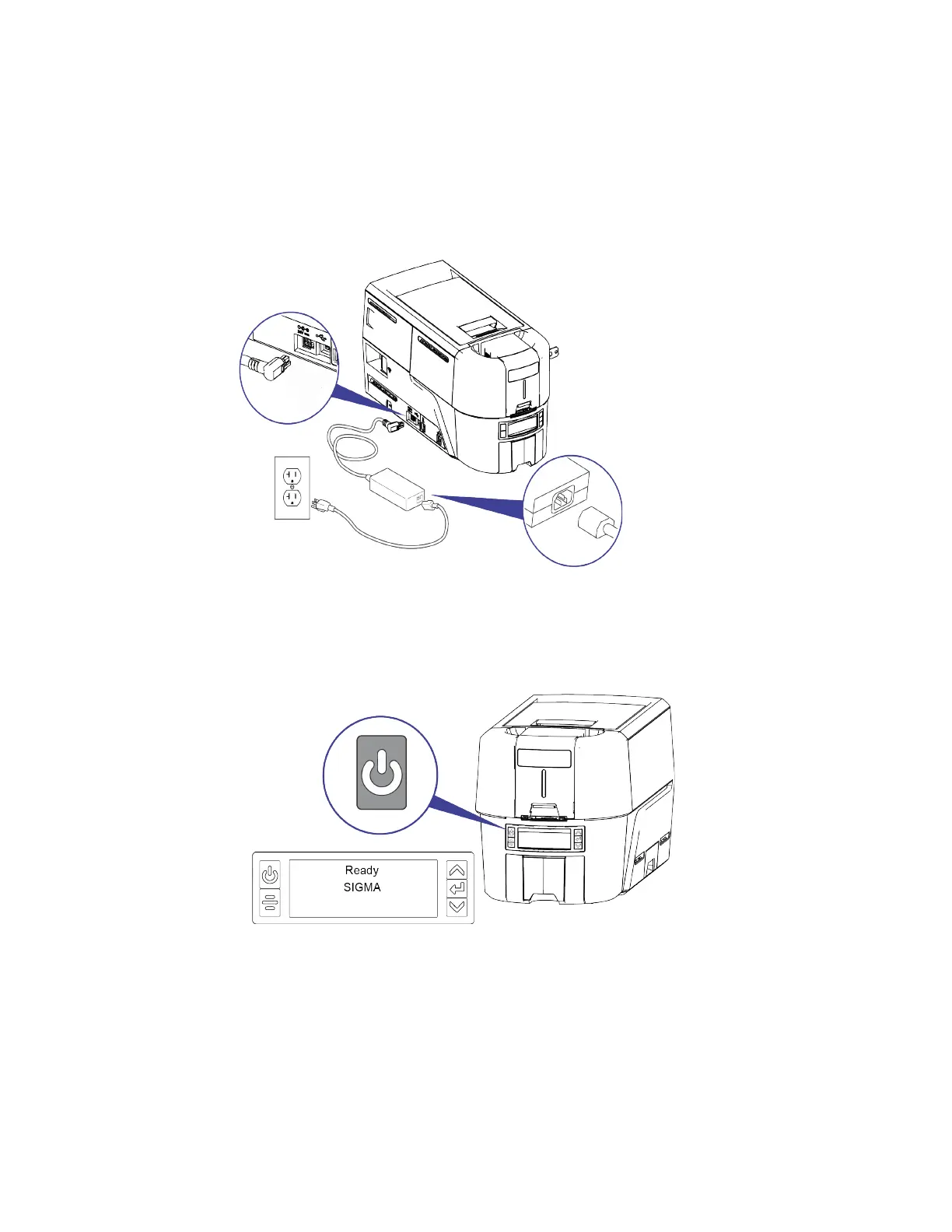
1. Connect the printer power supply to the printer.
2. Connect the power cord to the power supply.
3. Connect the power cord to the facility power source.
4. Press the POWER button on the front of the printer. The front panel LCD displays Ready when
the printer is powered on.



 To Next Page