Sigma DS4 and DS4-ES1 Installation and Administrator’s Guide 29
Printing Design
Printing design includes color and monochrome printing, bar code printing, non-printing areas,
and card layout.
Color Printing
Color print ribbon is available in full-panel and short-panel styles.
Full-Panel Ribbon
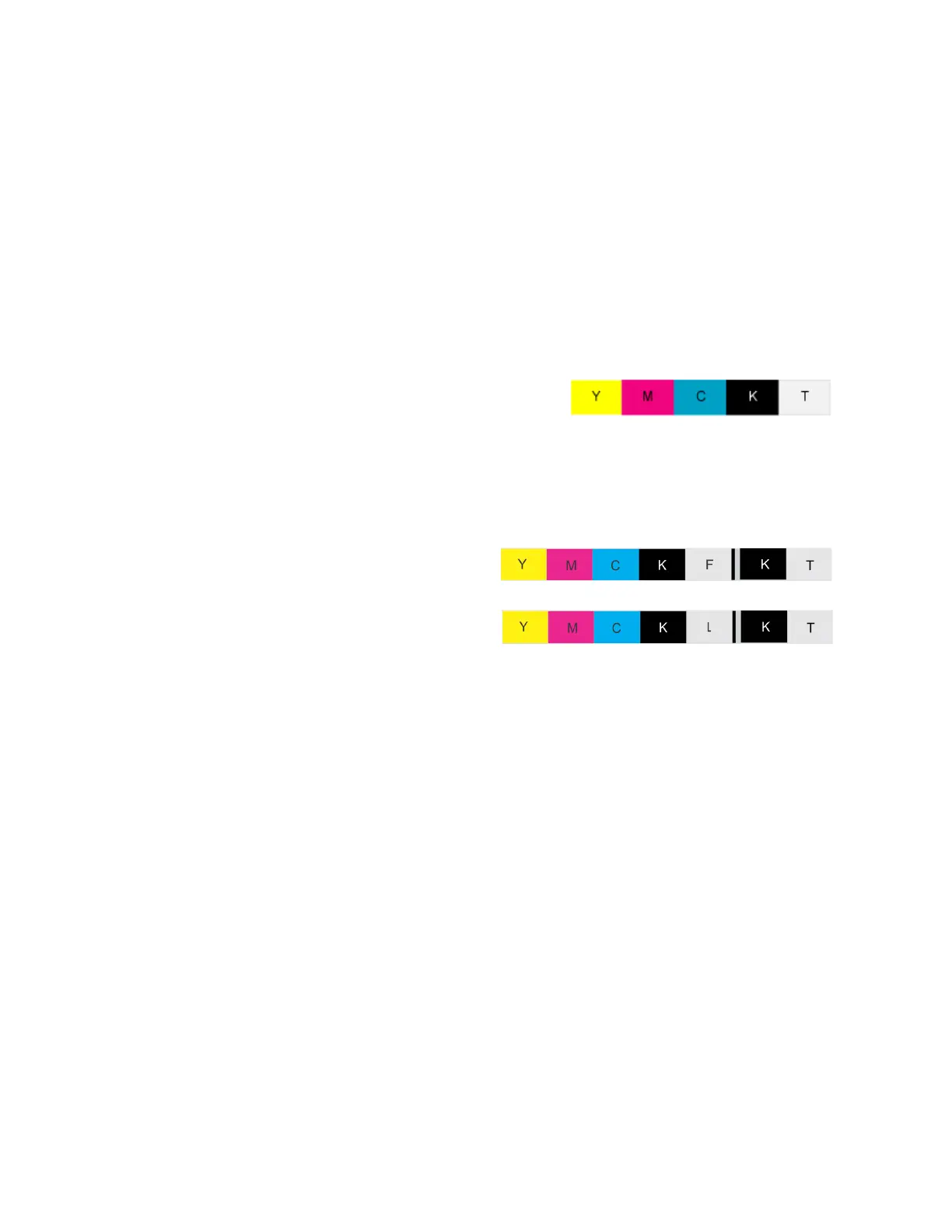
Full-panel color printing uses a print ribbon with three
color panels: Y (yellow), M (magenta), and C (cyan). The
ribbon also includes a K (black) panel and a T (topcoat)
panel. The printer applies the YMC color panels to the
card first, prints black components using the K panel,
and then applies the T (topcoat) to protect the color
image from damage.
Full-panel color print ribbons with an
ultraviolet (UV) fluorescent (YMCKF-KT) or
luster (YMCKL-KT) panel, also are available.
The printers also can use the ribbons in a
YMCKFT or YMCKLT panel configuration.
The UV printing is undetectable under normal lighting and is meant to provide another form of
security. The luster color panel ribbon enhances your card appearance with visible color-shifting
iridescent print with UV fluorescing properties.
Refer to your card personalization software documentation for more information about setting
up a card design that includes UV or luster printing.
Full-panel YMCKT Ribbon
YMCKF-KT Ribbon
YMCKL-KT Ribbon



 To Next Page