56 Supplies and Parts
Cables and Power Supplies
The printer uses the following data cables and power supplies.
Data Cables
The data cable connects the printer to the network or directly to a PC. You can use one of the
following data cables:
USB
Network (Ethernet)
Use only one type of data cable with a printer. If you need to connect more than one PC to a
printer, use a network connection.
USB Cable
Use a USB-C data cable, 6 feet (2 meters) long, to connect the printer
to the PC. Be sure to use a cable rated for USB 3.0 data transmission.
Network Cable
Use a standard Ethernet network cable, also called a Category 5 or Cat 5 cable, to connect the
printer to a network port.
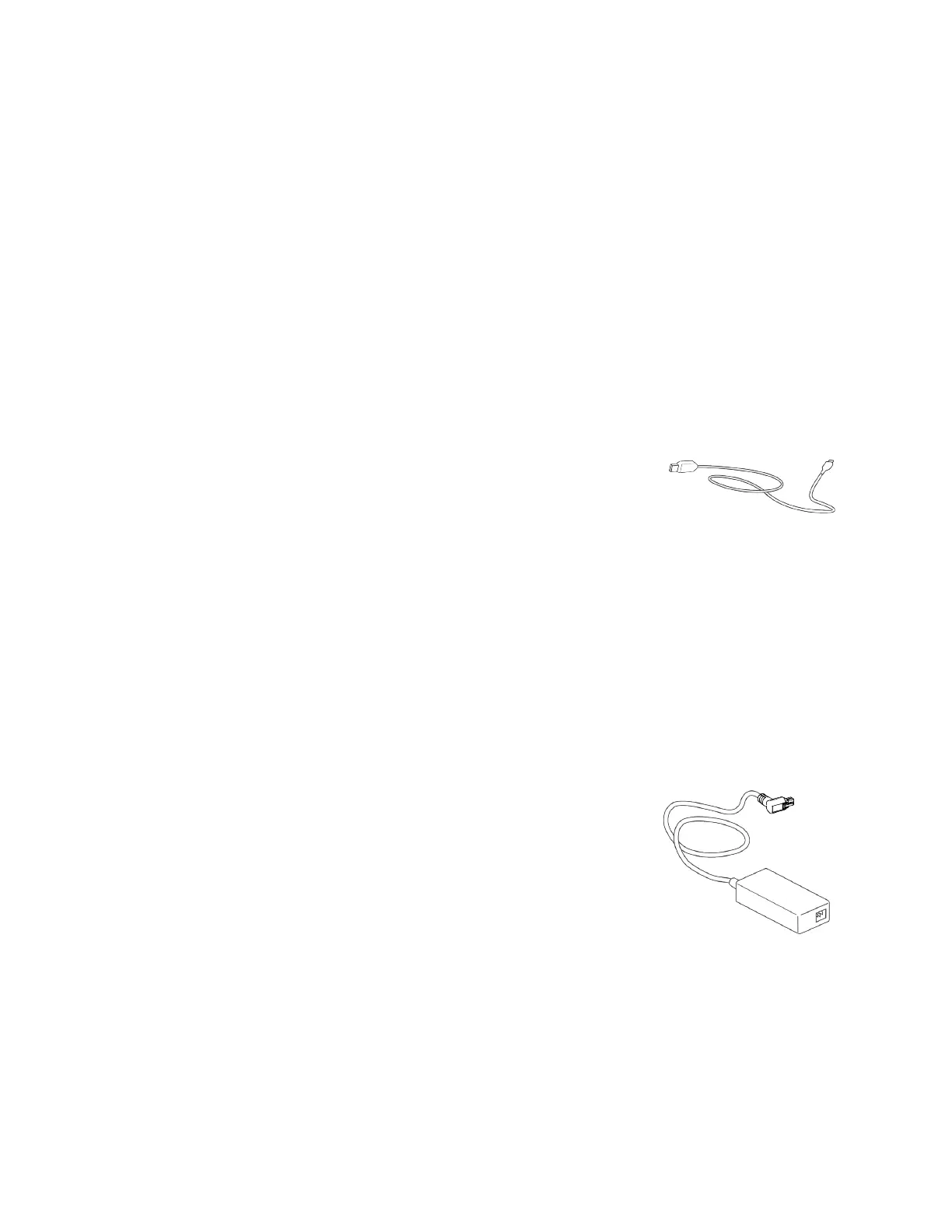
USB Smart Card Cable
Printers that have a loosely coupled smart card reader use a USB data cable, up to a maximum of
6 feet (2 meters) long, to connect the smart card reader in the printer to the PC.
Printer Power Supply
The printer power supply is rated as follows:
Input: 110–V240V, 50–V60Hz, 1.5A
Output: 24V, 3.0A, 72W
It is self-adjusting within the rated input voltage.



 To Next Page