26 Printer Installation
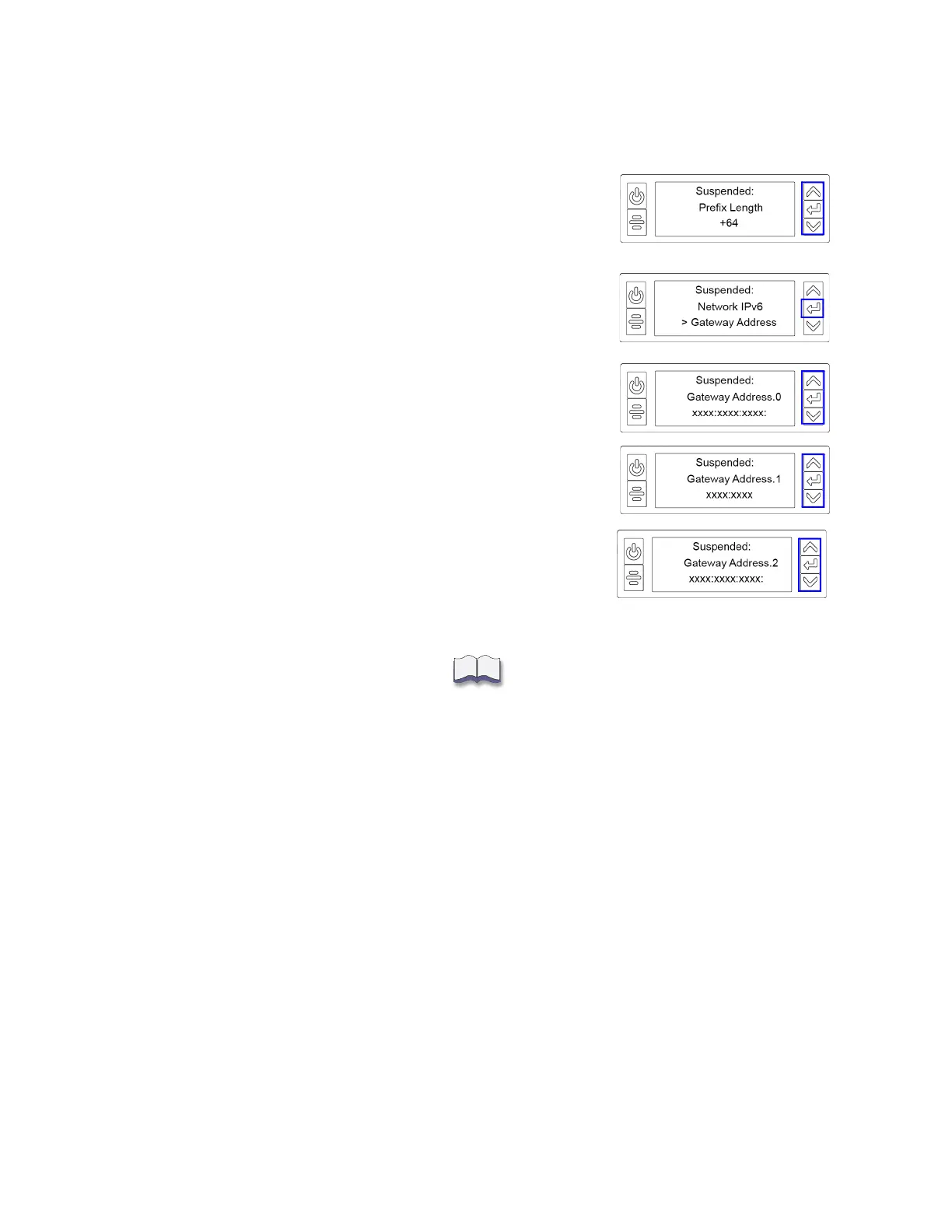
4. Press ENTER to view or change the prefix length.
The prefix length indicates the boundary between the
subnet to which the host is connected and the device ID in
the IPv6 manual address. Press the up or down arrow to
change the prefix length.
5. Press E
NTER to save your changes. Then, press the down
arrow to display Gateway Address on line 3.
6. Press E
NTER to enter the default gateway address.
a. Follow the procedure described in step 2 to enter the
gateway address.
b. When all three screens are correct, press E
NTER to save
the gateway address.
7. Press the down arrow until Exit displays on line 3.
8. Press E
NTER. Then, press the USER button to return the
printer to Ready.



 To Next Page