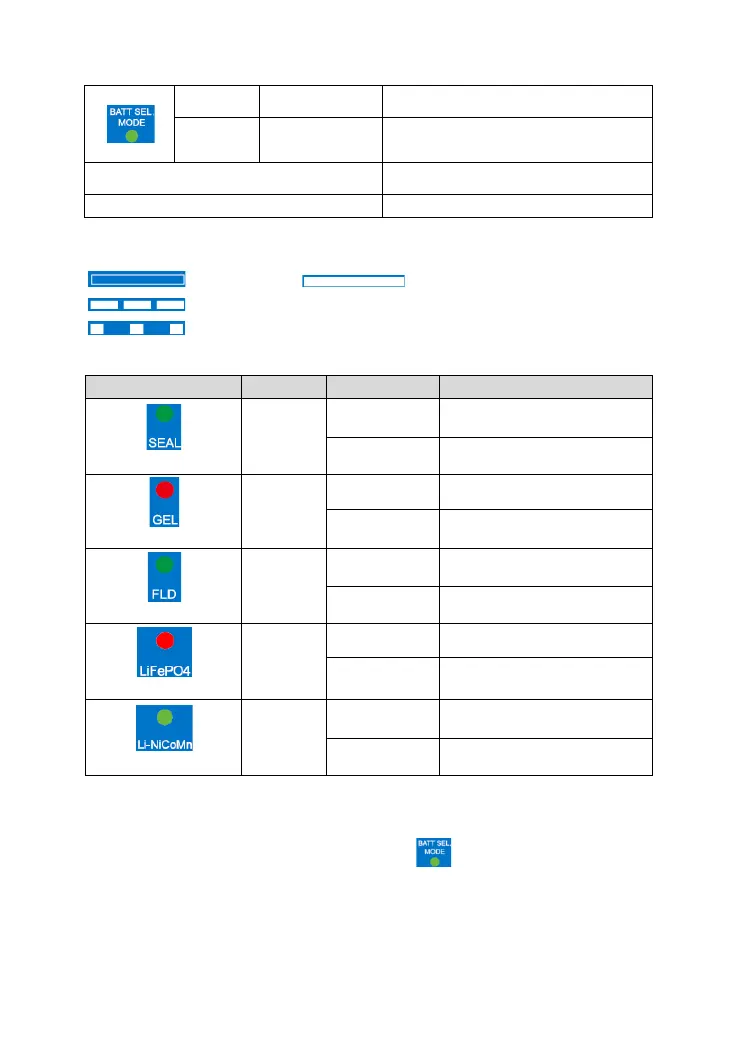
In the mode of setting battery type
Settings are saved, and quit the
setting mode
All indicators fast flashing(4Hz)
All indicators slowly flashing(1Hz)
① The controller cannot identify the system voltage when the battery type is a
lithium battery
Indicator "OFF". Indicator "On solid".
Indicator "Slowly flashing (1Hz) ".
Indicator "Slowly flashing (0.2Hz)".
(2)Battery type indicator
①The models of DR1106/2106/3106N-DDB/DDS don't support the 24V battery.
Setting battery type:
Step1: Press the button and hold 3s; the green is on solid. Enter the battery
setting mode.
Step2: Press the button to select the battery type.



 To Next Page