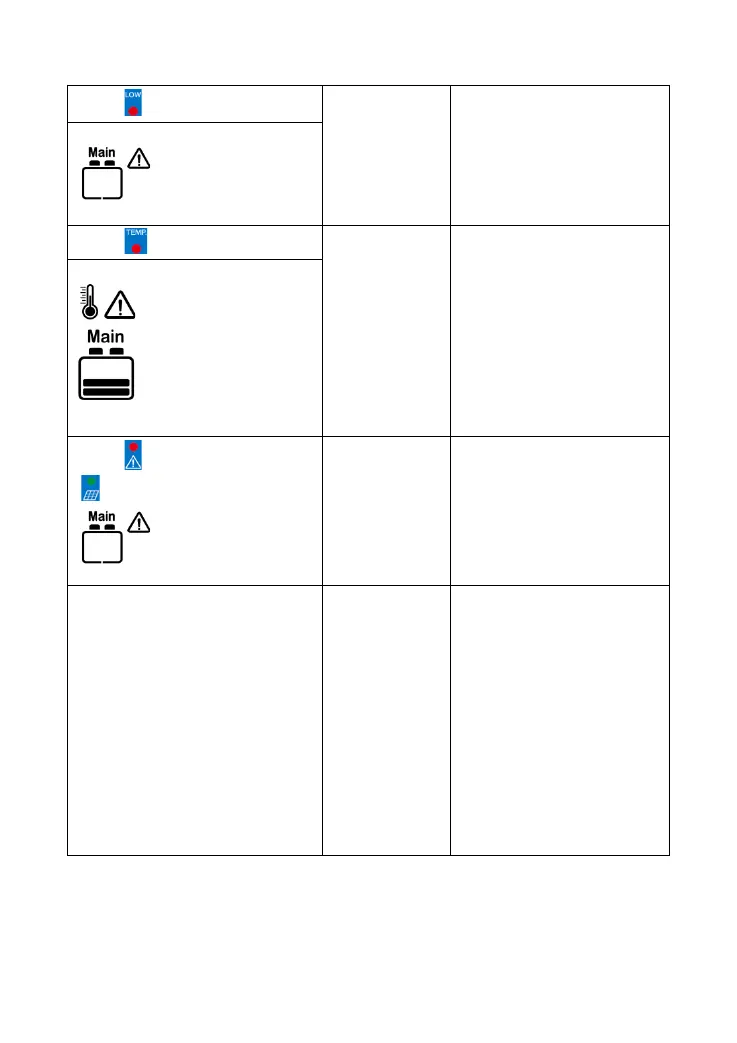
When the battery voltage is
restored to or above LVR(low
voltage reconnect voltage),
the load will recover
The controller will
automatically turn the system
off. When the temperature
declines to be below 55 ºC,
the controller will resume.
DDS: Red Fast flashing and
Green fast flashing
BATT1 System
voltage error
①Check whether the battery
voltage matches the
controller's working voltage.
② Please change to a
suitable battery or reset the
working voltage.
① System voltage alarms when
using the Lead-acid battery for the
BATT1.
② System over-discharge alarms
when the BATT1 is set as 24V
battery type. Its actual voltage is
12V.
③ System over-voltage alarms
when the BATT1 is set as 12V
battery type. Its actual voltage is
24V.
Incorrect
wiring--connect
BATT1 first and
then BATT2
① Disconnect the system,
and reconnect the BATT2
first, then reconnect BATT1
②③BATT1 voltage should be
the same as the controller's
voltage level
Battery level shows
empty, battery frame
blink, fault icon blink
Battery level shows
current capacity, battery
frame blink, fault icon
blink, the temperature
icon blink, the
temperature value blink,
the temperature unit blink.



 To Next Page