52
RFRPD
OpenTherm® Instructions
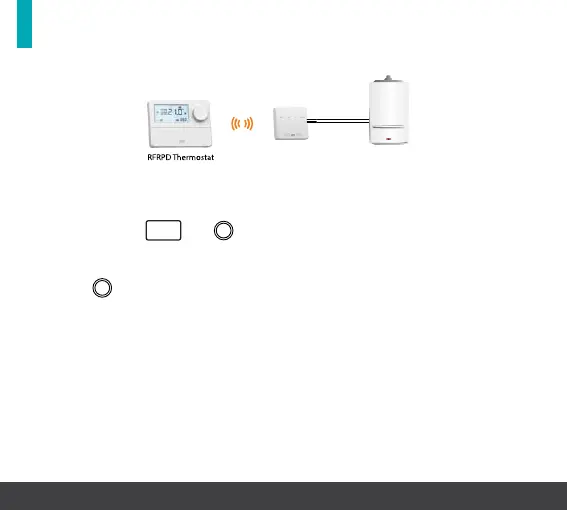
System architecture
Example A CP4D controlling OT Boiler
This function allows the installer to conrm if the thermostat is
receiving OpenTherm® information from the boiler.
Press and hold
PROG
and for 5 seconds.
‘P01’ will appear on the screen.
Rotate
clockwise until ‘P10 & InFO’ appears on the screen.
If ‘P01 to P08’ is visible and ‘P10’ does not appear on the screen, the
thermostat is not communicating via OpenTherm®.
Note: To control an appliance with OpenTherm® run a dedicated
two core cable from the OpenTherm® connection on the RF1B to the
OpenTherm®connection on the appliance.
Note: When connected via OpenTherm® the OpenTherm® LED on the
RF1B receiver will be illuminated.
RFRPD Thermostat RF1B Receiver OpenTherm® Boiler



 To Next Page