Setting Options Description
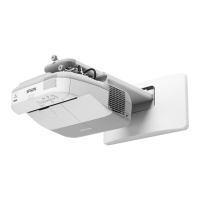
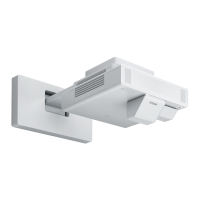
Projection Front Selects the way the projector
faces the screen so the image is
Front/Upside Down
oriented correctly (rear settings
Rear
cannot be used with the
interactive pens)
Rear Upside Down
Audio Input Setup Audio Input Selects the audio input source for
various image sources:
DisplayPort Audio Input
Audio Input selects the audio
HDMI Audio Input
source when the image source is
Computer, Video, or USB-B (if
not set to Auto); Audio1,
Audio2, or Audio3 select the
specified port regardless of the
input source
Operation Direct Power On Selects various operation options
Sleep Mode Direct Power On: lets you turn
on the projector without pressing
Sleep Mode Timer
the power button
High Altitude Mode
Sleep Mode: automatically turns
off the projector after an interval
of inactivity
Sleep Mode Timer: sets the
interval for Sleep Mode
High Altitude Mode: regulates
the projector’s operating
temperature at altitudes above
4921 feet (1500 m)
188





 To Next Page