Using the Printer on a Network 151
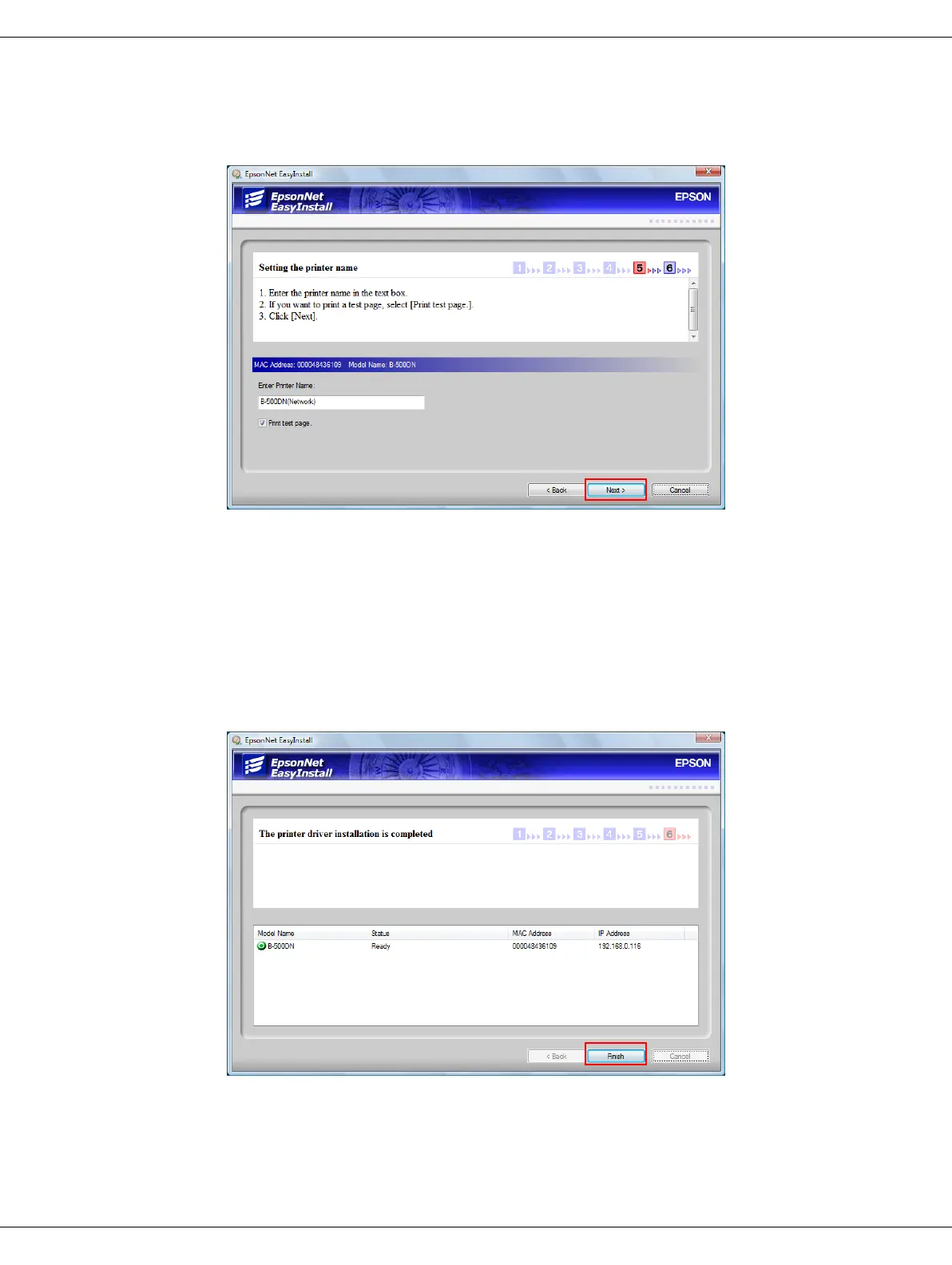
7. When you see the following screen, enter a different name for the printer if you want. If
you want to print a test page, select the Print test page check box. Click Next.
Note:
If the Windows Security Alert window appears, click the Unblock button.
8. Follow the instructions on the screen to complete the installation.
9. When you see this screen, click Finish. Then follow the instructions to register your
printer.













 To Next Page