Basic Printing 43
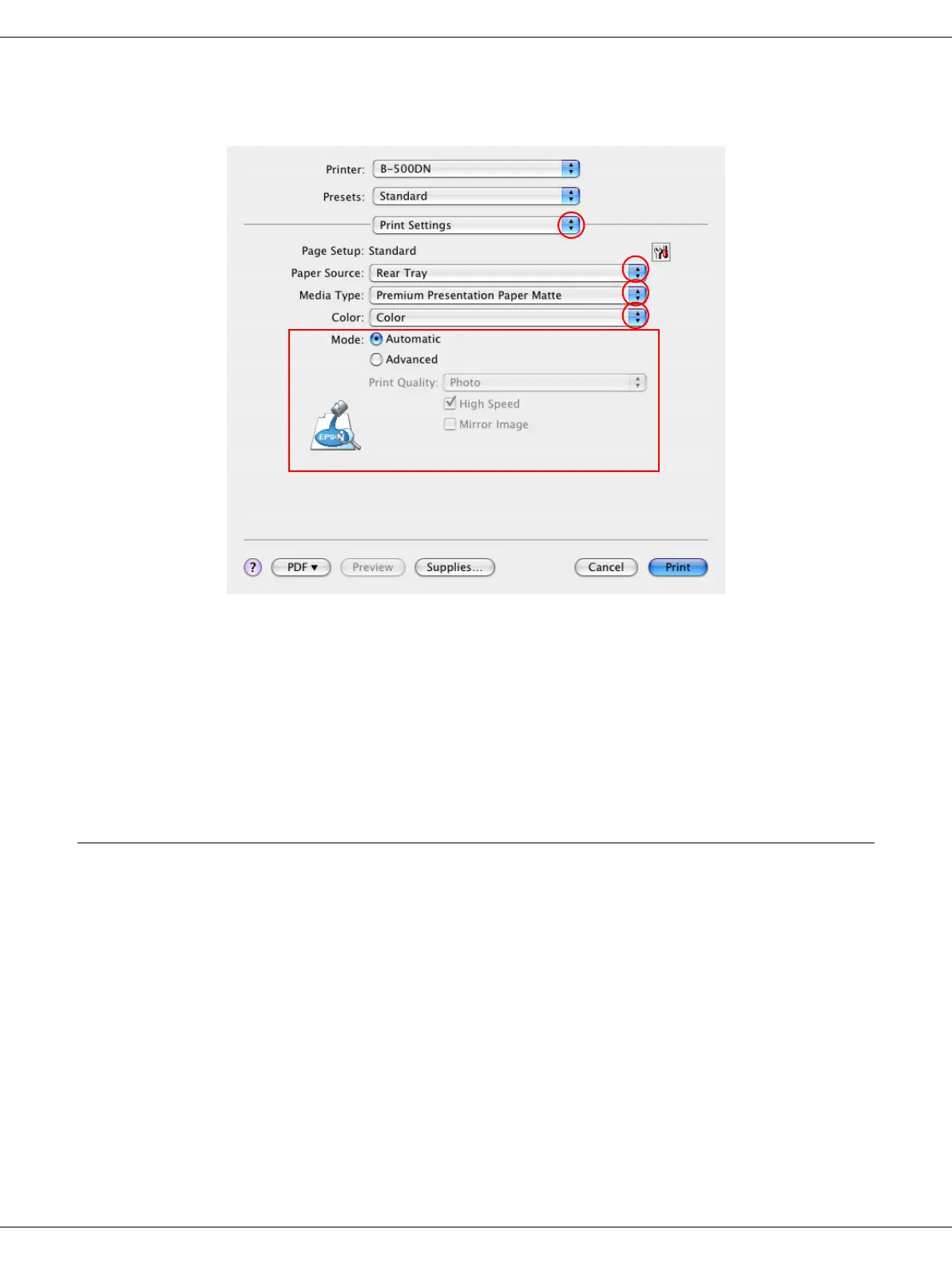
6. Select Print Settings from the pop-up menu.
7. Make the settings that you want to use to print. See online help for details of Print
Settings.
& See “Selecting the Correct Paper Type or Media Type” on page 29.
After completing the steps above, print one test copy and examine the results before
printing an entire job.
Printing Web Pages
Loading Paper
Refer to the section below for details on loading paper.
& See “Loading Paper” on page 22.
When using special Epson paper, refer to the section below.
& See “Using Special Paper” on page 21.













 To Next Page