1.4.3.4 Default Settings
The default settings function is used to enter printer settings. The procedure for entering default
settings is:
1. To enter the default settings mode, turn on the printer while holding down the button until
yellow and red lights turn off and on and off.
2. Press the button the number of times for the 1st code, while the yellow light is flashing.
3. Press the button the number of times for the 2nd code, while the red light is flashing.
4. Press the button the number of times for the 3rd code, while all lights flash.
5. If you need end the default settings mode, return step 2 and input the "111" code.
If you need set the other settings, return to step 2.
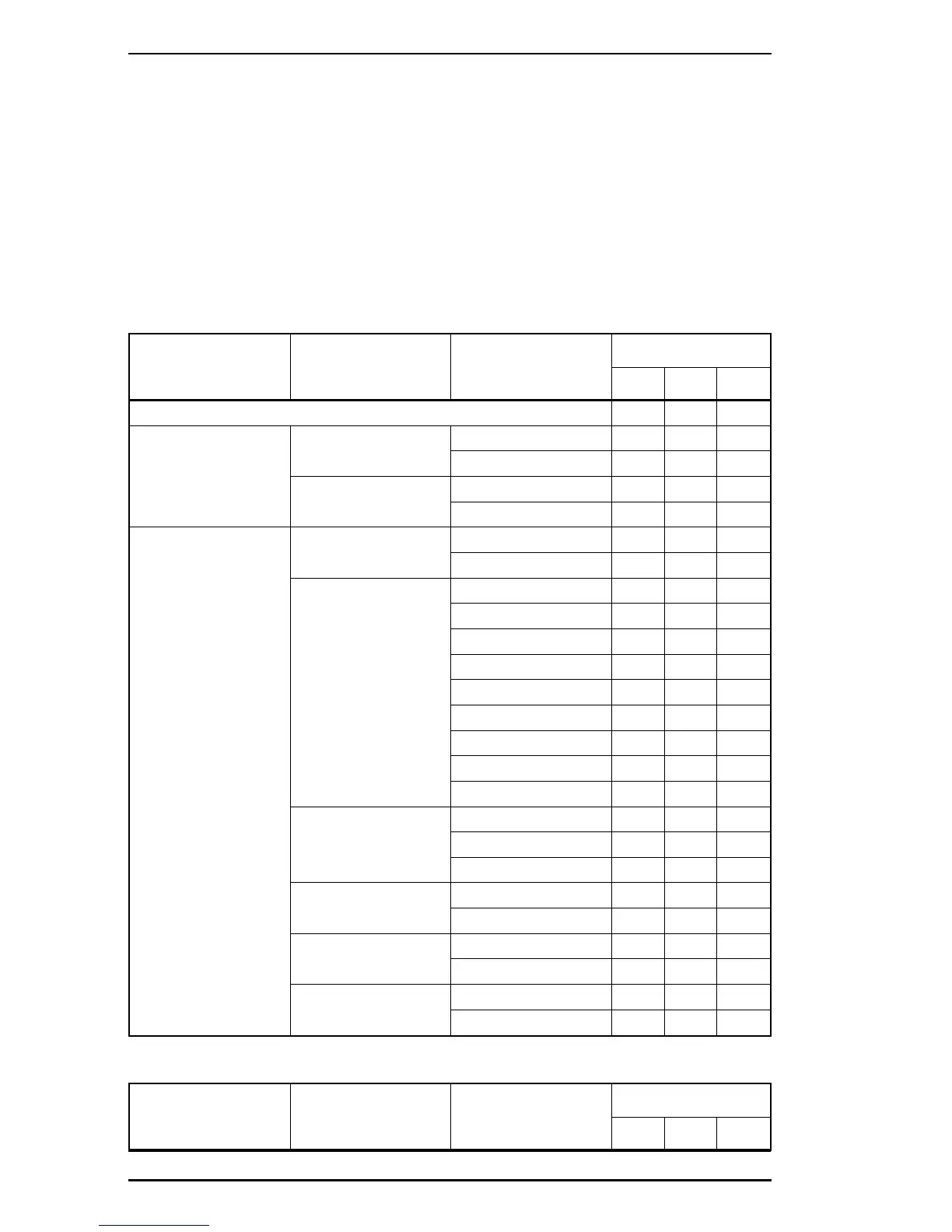
Thable 1-14 shows default settings codes.
Table 1-14. Default Settings Codes
Menu Item Available Options
Default Settings
Codes
1st
Code
2nd
Code
3rd
Code
End of default settings mode
111
PARALLEL SPEED FAST
112
SLOW
113
Bi-D ON
114
OFF
115
SERIAL* WORD LENGTH 8
121
7
122
BAUD RATE 9600
123
19200
124
38400
125
27600
131
300
132
600
133
1200
134
2400
135
4800
141
PARITY NONE
142
EVEN
143
ODD
144
STOP BIT 1
145
2
151
DTR ON
152
OFF
153
XON/XOFF ON
154
OFF
155
* With option
Table 1-14. Default Settings Code (Continued)
Menu Item Available Options
Default Settings
Codes
1st
Code
2nd
Code
3rd
Code
General Description EPL-5500 Service Manual
1-24 Rev. B



 To Next Page