Parent topic: Using Basic Projector Features
Related tasks
Displaying a Test Pattern
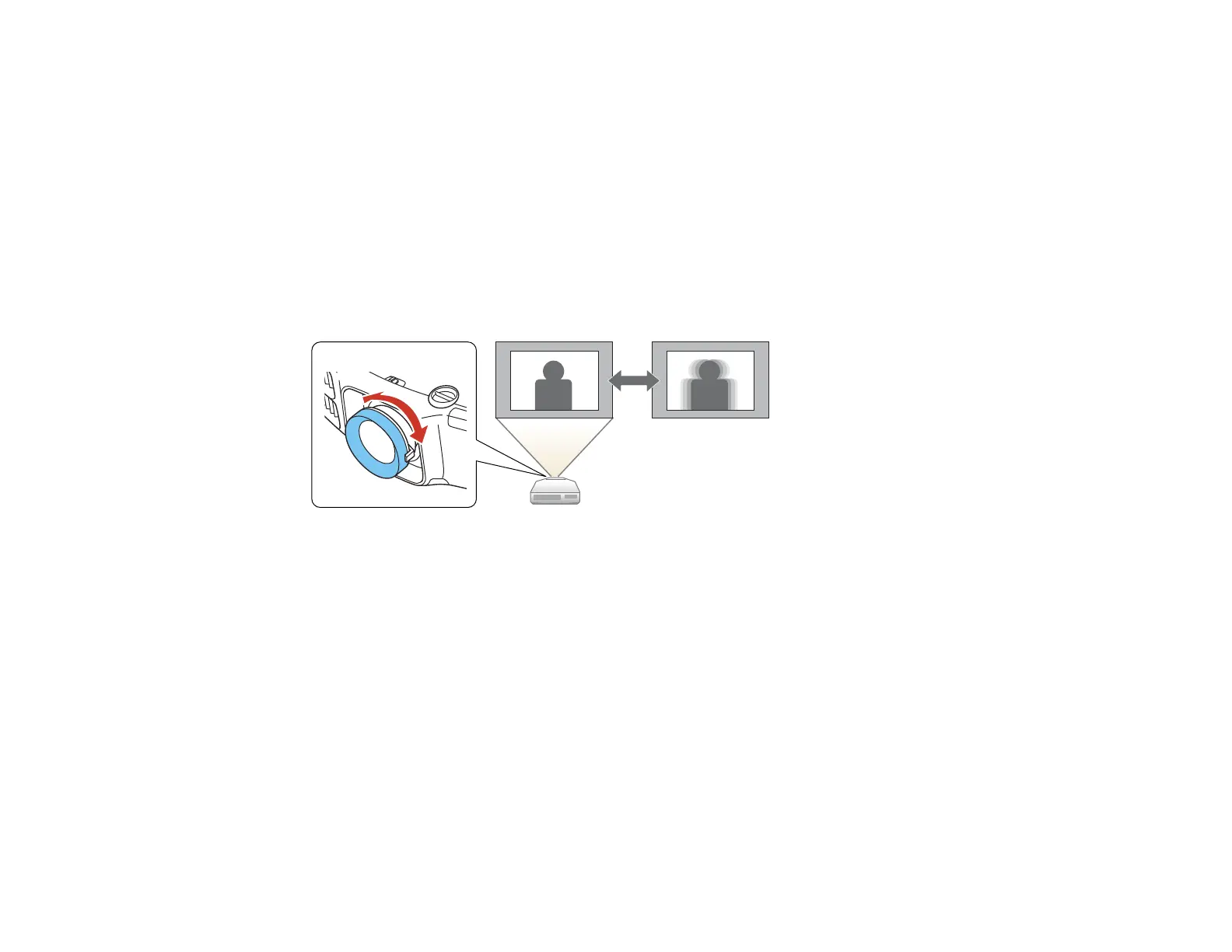
Focusing the Image Using the Focus Ring
1. Turn on the projector and display an image. Wait 30 minutes after turning on the projector before
setting the focus, zoom, and lens shift for maximum accuracy.
Note: You can display a pattern to aid in adjusting the projected image using the Settings menu.
2. To sharpen the image focus, rotate the projector’s focus ring.
Focusing the Image with the Optional Short Throw Lens
Parent topic: Using Basic Projector Features
Related tasks
Displaying a Test Pattern
Focusing the Image with the Optional Short Throw Lens
If the optional short throw lens (ELPLU01) is installed and the lens has been shifted using the lens shift
option, you can focus the image using the distortion and focus rings.
1. Turn on the projector and display an image.
Note: You can display a pattern to aid in adjusting the projected image using the Settings menu.
110







 To Next Page