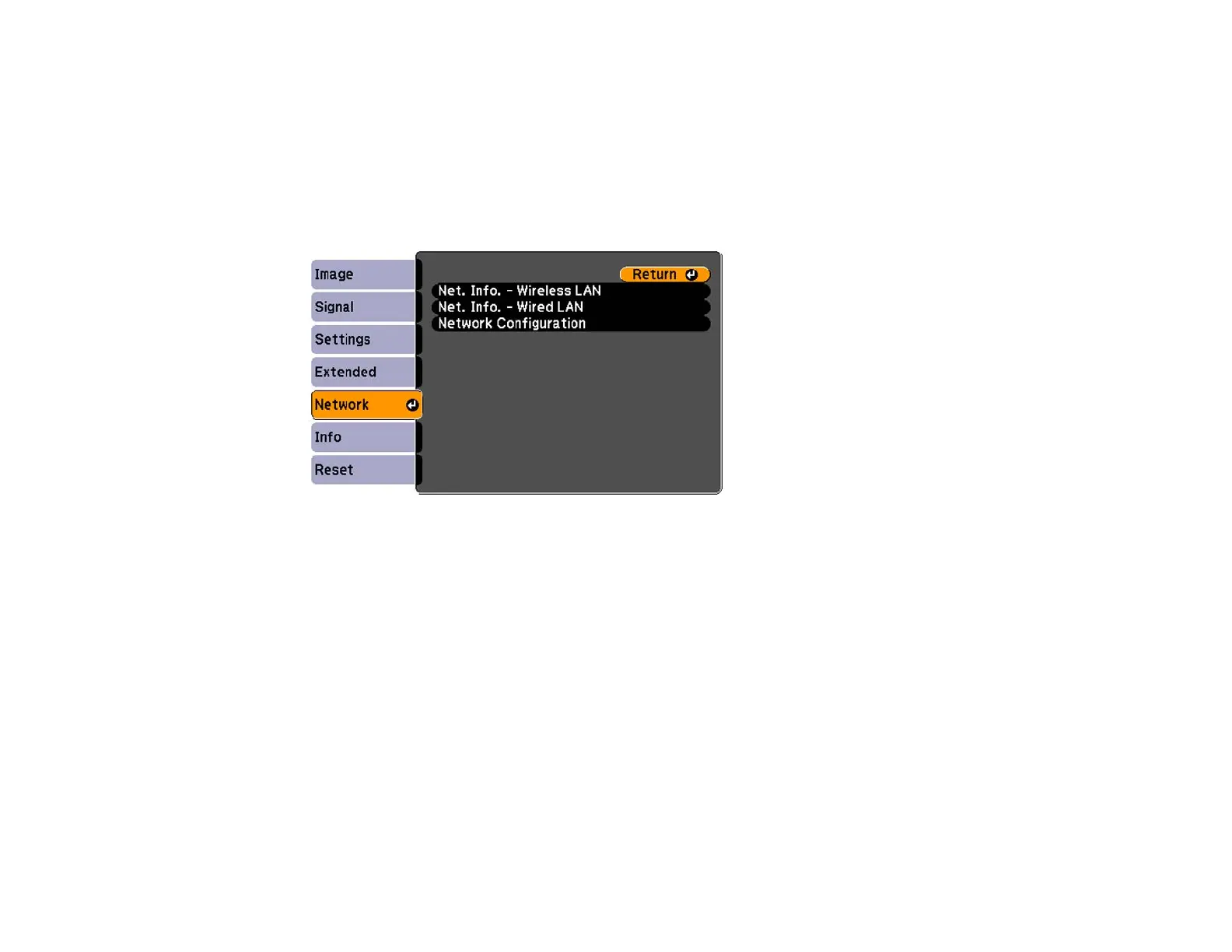
Enabling WPA or EAP Security
Set up the WPA or EAP security settings to match your network's settings. Check with your network
administrator for guidance on entering the correct information.
1. Turn on the projector.
2. Press the Menu button.
3. Select the Network menu and press Enter.
4. Select Network Configuration and press Enter.
66







 To Next Page