4. Select Display > Screen > Screen Type.
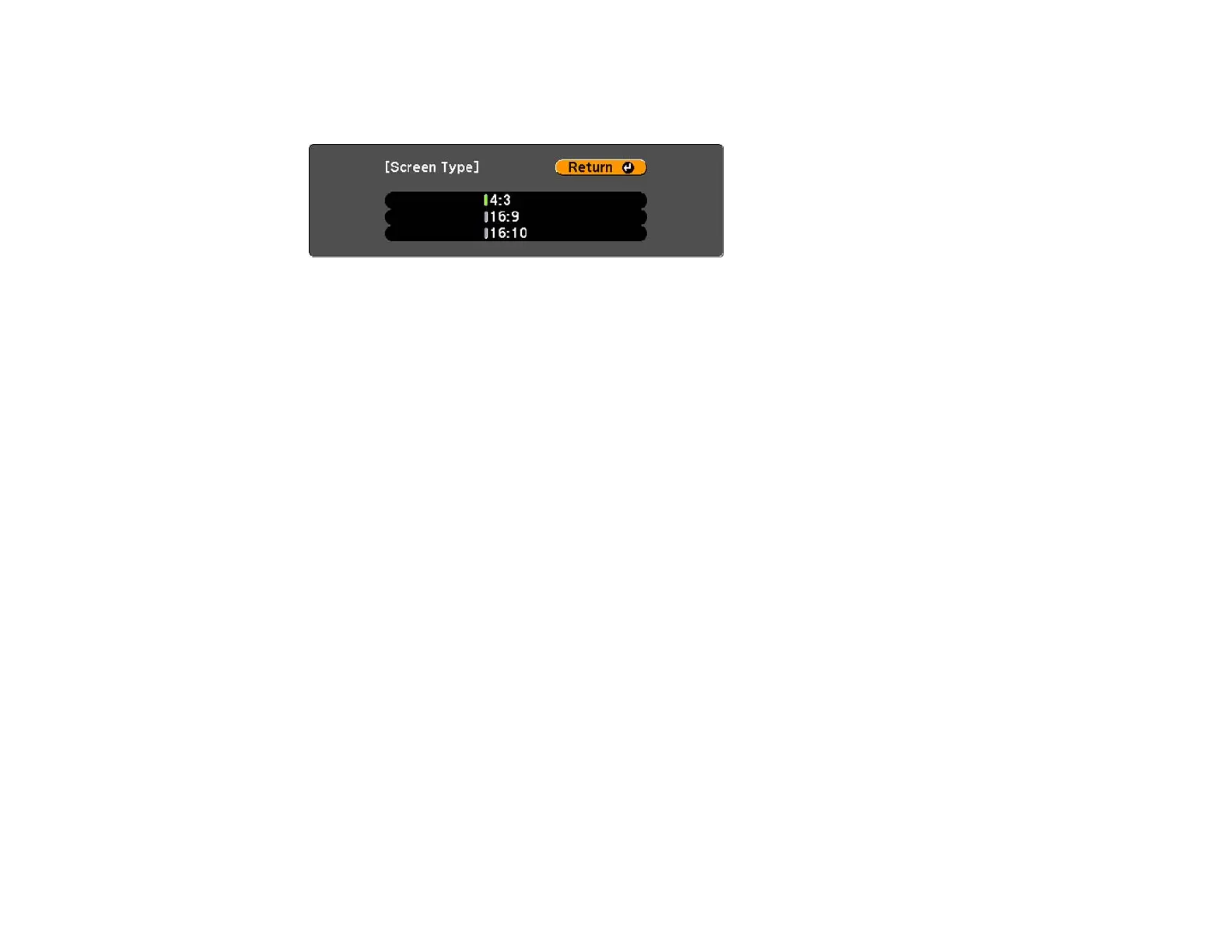
You see this screen:
5. Select your screen's aspect ratio and press Enter.
6. Press the Menu button to accept the changes.
Note: After changing the Screen Type setting, adjust the aspect ratio for the projected image.
Parent topic: Using Basic Projector Features
Related concepts
Image Aspect Ratio
Adjusting the Image Position Using Screen Position
You can adjust the image position if there are margins between the edge of the image and the projected
screen frame.
1. Turn on the projector and display an image.
2. Press the Menu button.
3. Select the Extended menu and press Enter.
4. Select Display > Screen > Screen Position.
87




 To Next Page