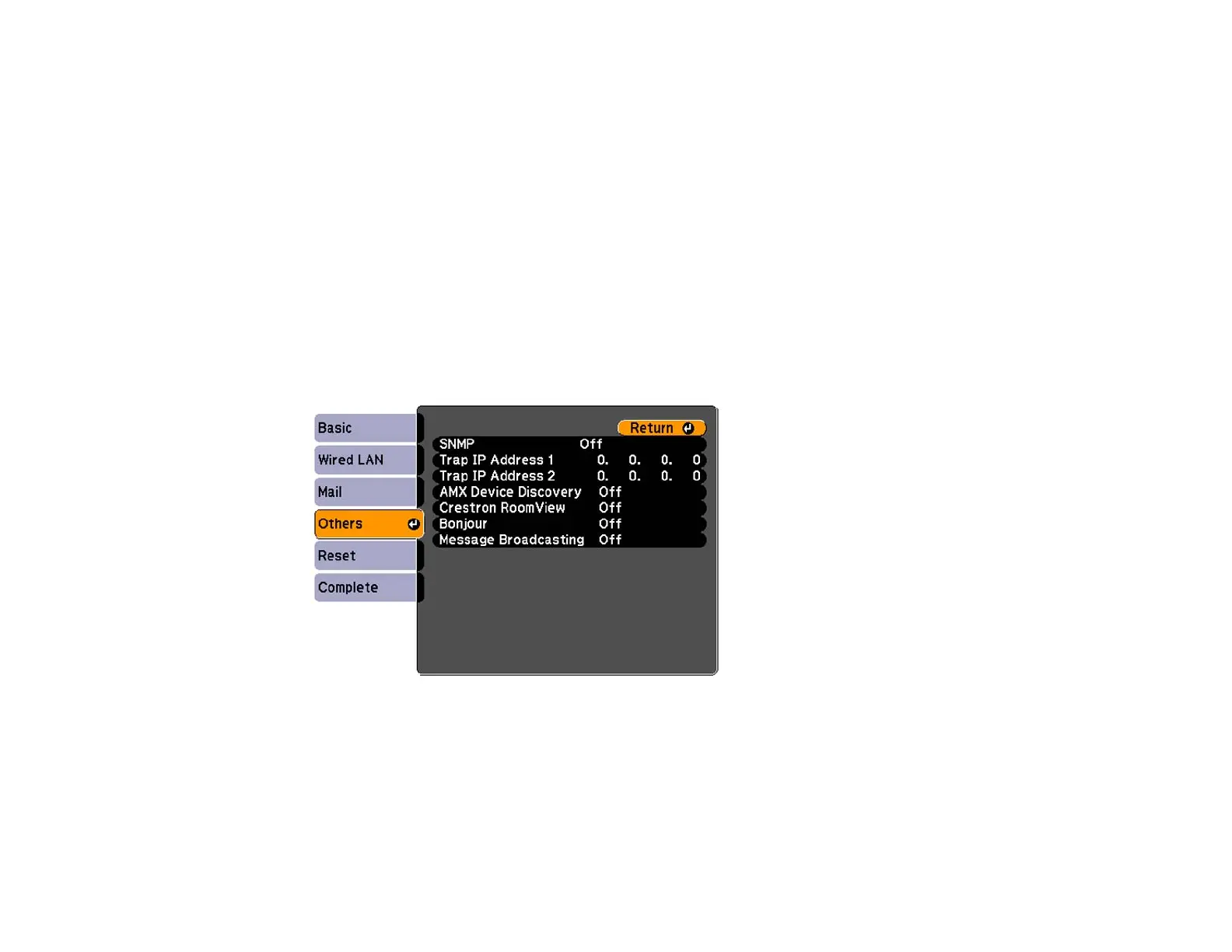
Setting Up Monitoring Using SNMP
Network administrators can install SNMP (Simple Network Management Protocol) software on network
computers so they can monitor projectors. If your network uses this software, you can set up the
projector for SNMP monitoring.
1. Press the Menu button.
2. Select the Network menu and press Enter.
3. Select Network Configuration and press Enter.
4. Do one of the following:
• Select the Others menu and press Enter.
• Select the Administrator Setting menu and press Enter, then select the SNMP menu and press
Enter.
PowerLite Pro G6800/G6900WU
PowerLite Pro G6050W/G6150/G6450WU/G6550WU/G6750WU
75







 To Next Page