B
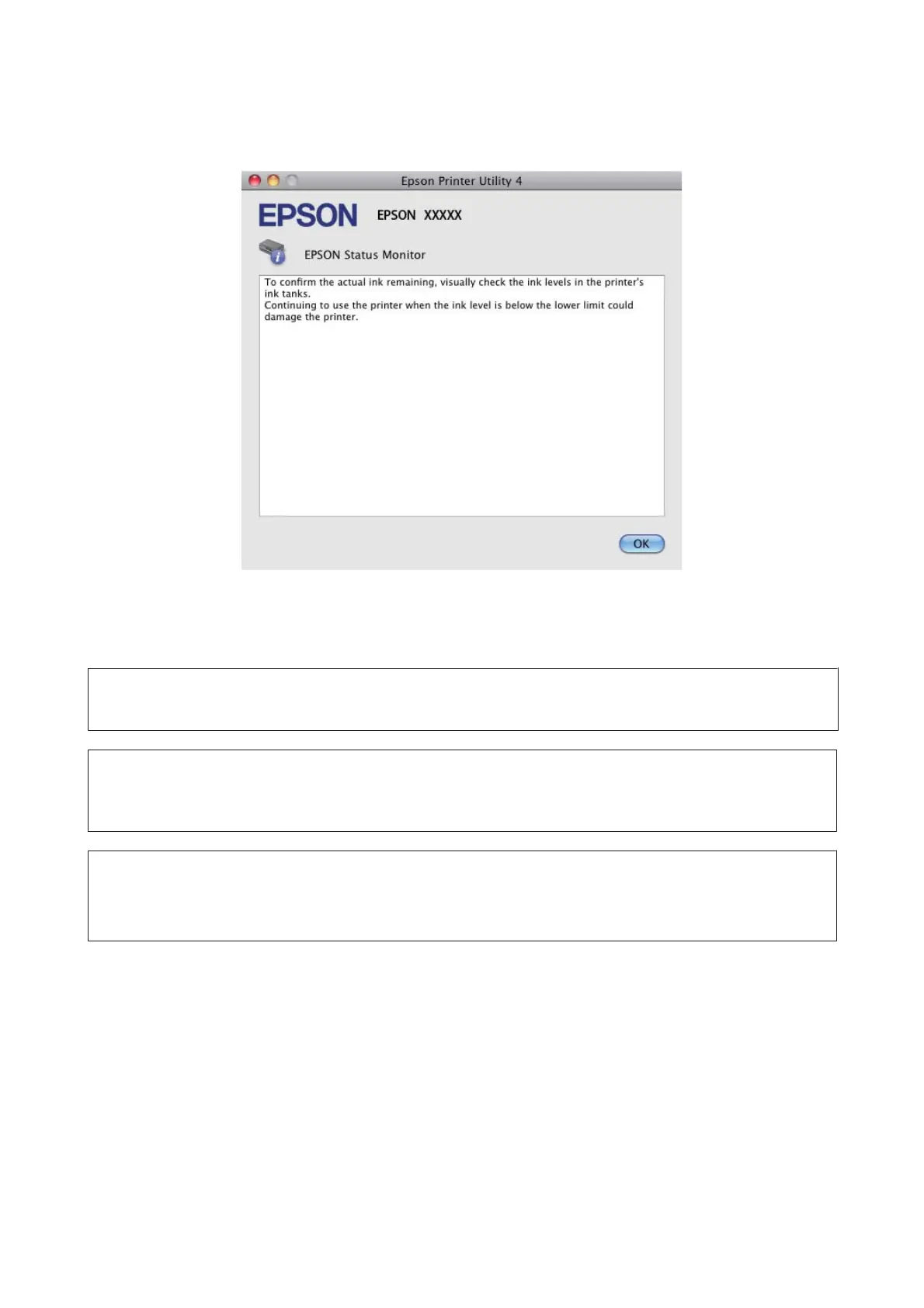
Click the EPSON Status Monitor icon. The EPSON Status Monitor appears.
Paper Jams
!
Caution:
Never touch the buttons on the control panel while your hand is inside the product.
c
Important:
Be careful not to pull the cables or ink tubes, or touch other components inside the product unnecessarily. Otherwise,
ink may leak or the product may be damaged.
Note:
❏ Cancel the print job if prompted by a message from the LCD screen or the printer driver.
❏ After you have removed the jammed paper, press the button indicated in the LCD screen.
User’s Guide
Troubleshooting for Printing/Copying
103



 To Next Page