A
Load plain paper in the rear paper feed.
& “Loading Paper and Envelopes” on page 19
B
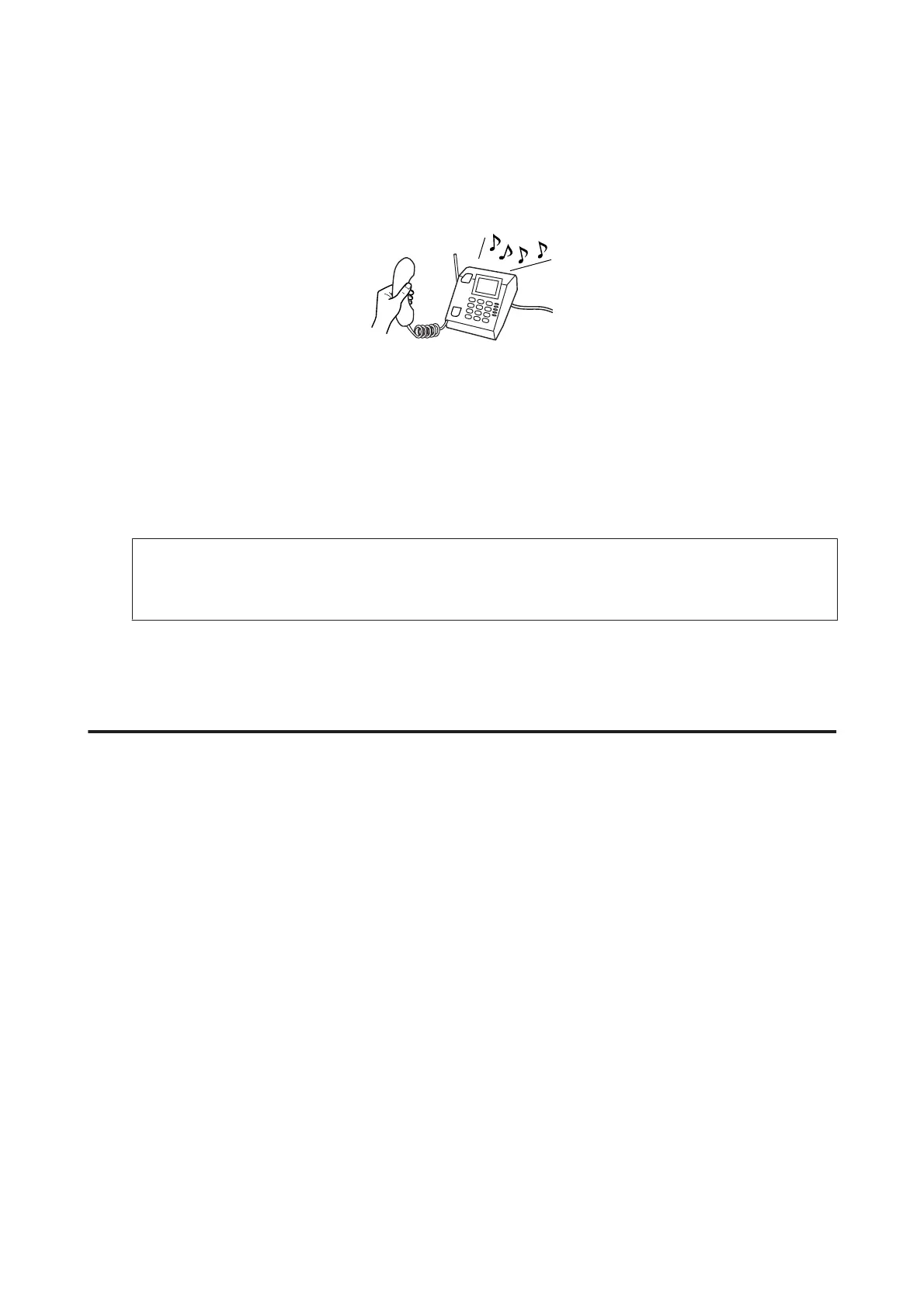
When the telephone rings, lift the phone connected to the product.
C
When you hear a fax tone, select Receive on the control panel of the product.
D
Start receiving the fax.
Select Yes.
E
Put the phone back on the hook.
Note:
If Auto Answer mode is turned on, the received fax data is automatically printed, and you do not have to proceed to
step 6.
F
Print the received fax.
Press OK.
Receive a fax by polling
This allows you to receive a fax from the fax information service you have called.
Follow the instructions below to receive a fax by polling.
A
Load plain paper in the rear paper feed.
& “Loading Paper and Envelopes” on page 19
B
Press K to enter the fax mode.
C
Enter the fax number.
D
Press x to display the menus.
E
Select the menu shown below. Use u or d to select a menu, and press OK.
Select Fax Mode > Polling. Press x to return to the fax mode top screen.
User’s Guide
Faxing
71



 To Next Page