D
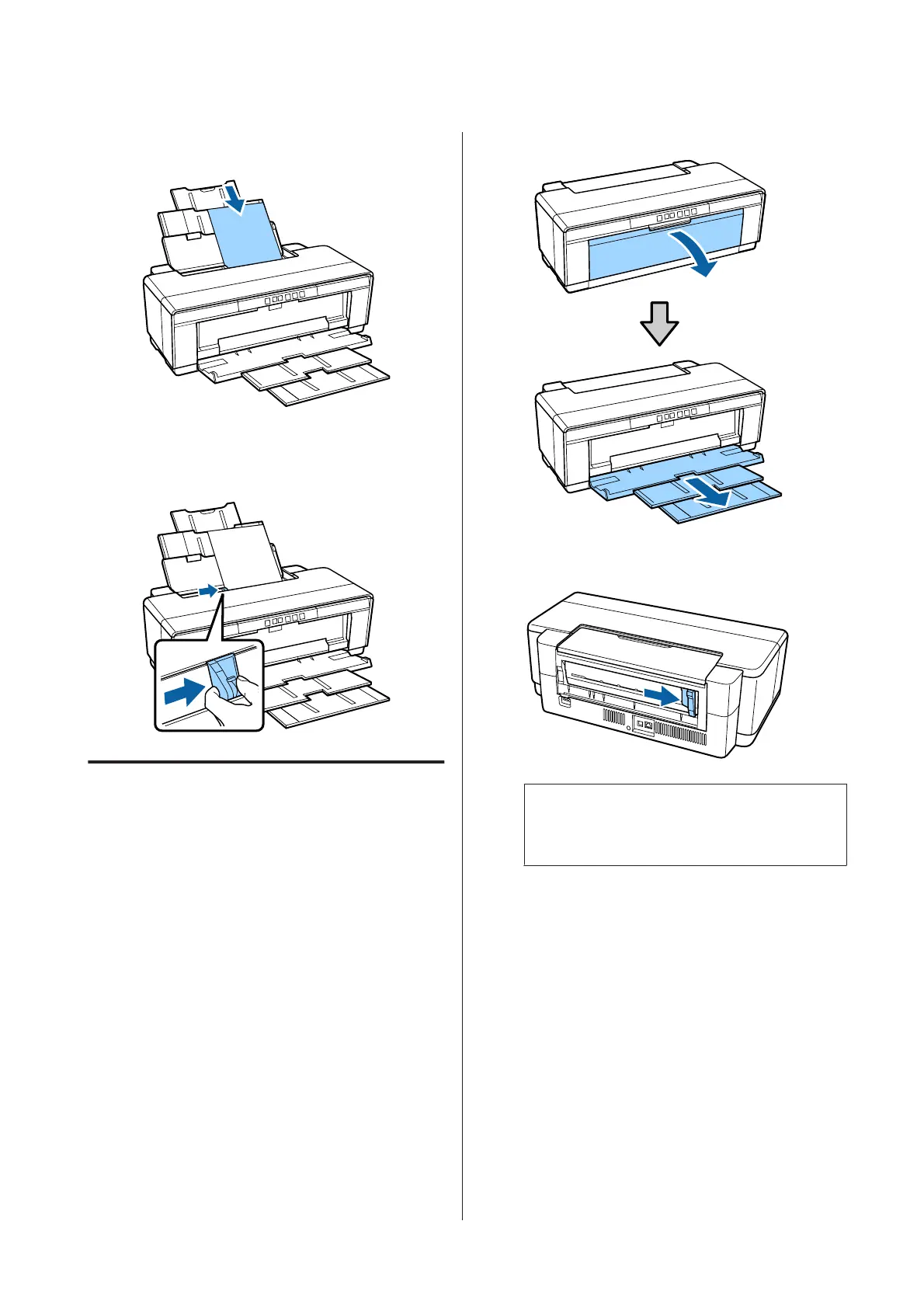
Load the paper vertically with the printable side
face up.
E
Grasp and slide the edge guide to fit it to the width
of the paper.
Paper is fed when you send a print job.
Loading Fine Art Media
Use the supplied rear manual feed guide to load fine art
media.
A
Turn on the printer.
B
Open and fully extend the output tray.
C
Move the rear roll paper edge guide all the way to
the right.
Note:
If the roll paper holder is currently in place at the
rear of the printer, remove it before proceeding.
SC-P400 Series User's Guide
Basic Operations
20


 To Next Page
 Loading...