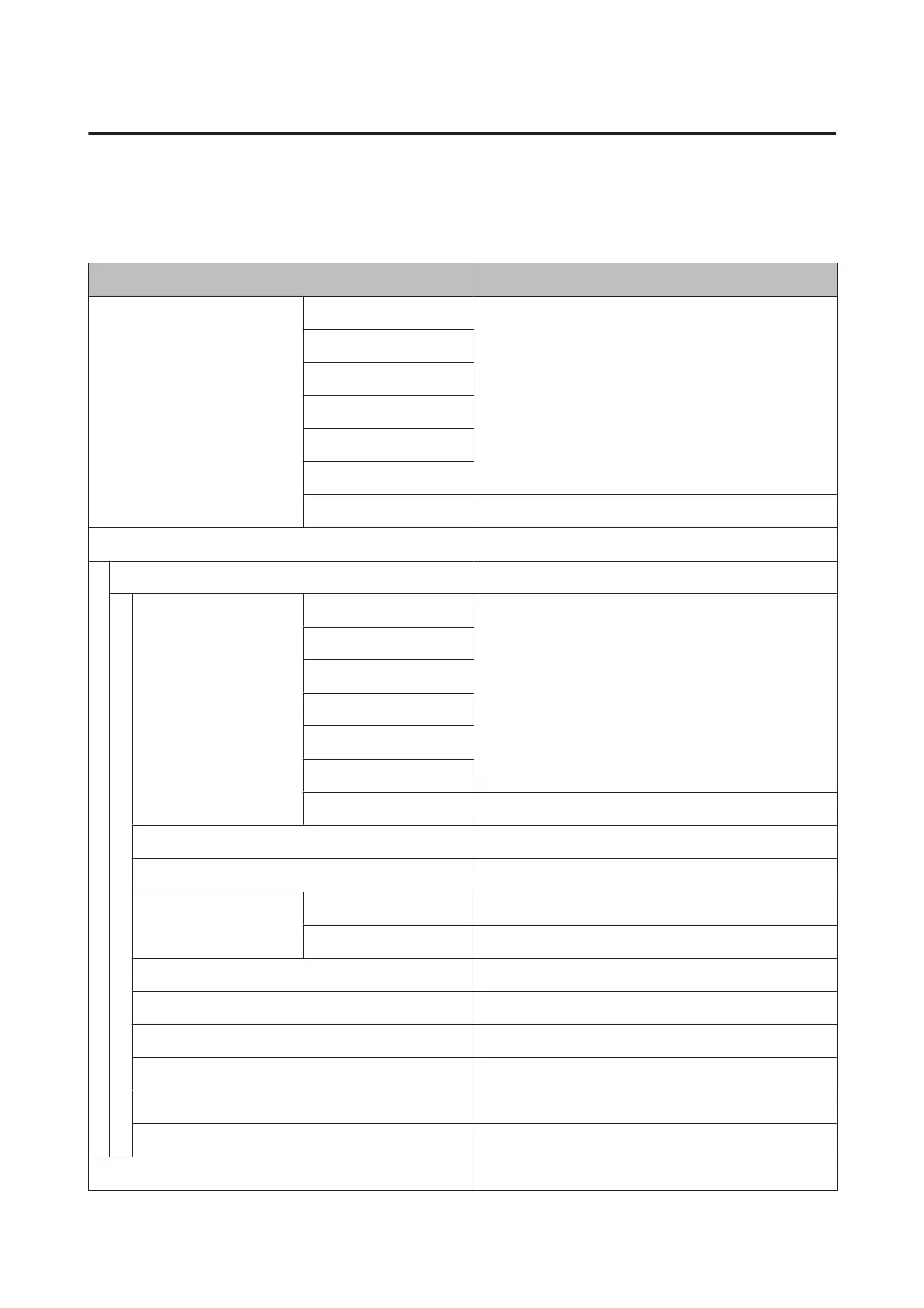
Paper menu
Items marked with an asterisk (*) are only available when the optional hard disk unit is installed.
U “Paper” on page 116
Menu item Description
Select Paper Type Photo Paper Lists supported Epson media.
Proofing Paper
Fine Art Paper
Matte Paper
Plain Paper
Others
Custom Paper Lists the names of user-defined custom paper types.
Custom Paper Setting -
XXXXXXXXXXXXXXXXXXXX Lists the names of custom paper types.
Select Reference Paper Photo Paper Lists supported Epson media.
Proofing Paper
Fine Art Paper
Matte Paper
Plain Paper
Others
No Paper Selected -
Platen Gap Narrow, Standard, Wide, Wider, Widest
Detect Paper Thickness Press Z to start printing.
Paper Feed Adjust Pattern Press Z to start printing.
Value -0.70 to +0.70%
Paper Suction -4 to 0
Drying Time Per Pass 0 to 10 sec
Roll Paper Tension Normal, High, Extra High
Remove Skew On, Off
Setting Name 22 characters or less (letters, numbers, and symbols)
Restore Settings Yes, No
Print Paper List Press Z to start printing.
SC-P9000 Series/SC-P7000 Series/SC-P8000 Series/SC-P6000 Series User's Guide
Using the Control Panel Menu
110


 To Next Page
 Loading...