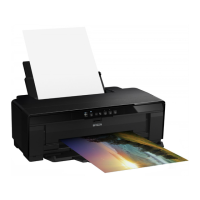
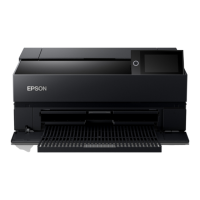
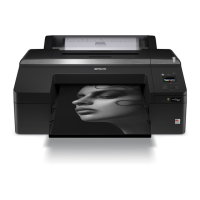
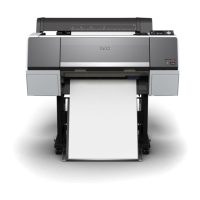
Printer Parts
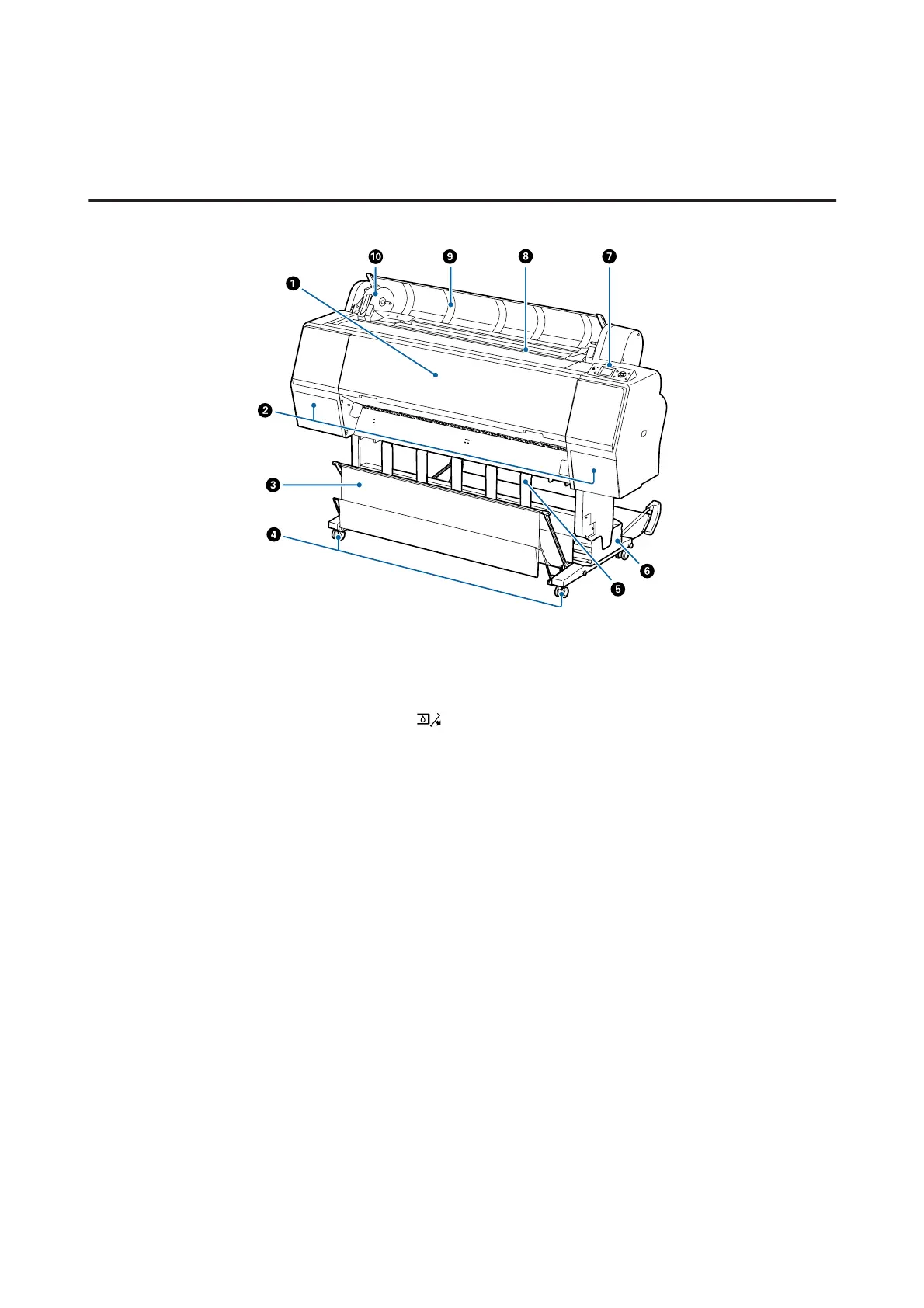
Front
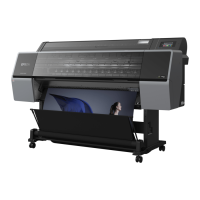
A Front cover
Open this cover when cleaning the printer or clearing jams.
B Ink covers (on the left and right)
Open when installing ink cartridges. Press the button on the control panel to open by 5 mm.
U “Replacing Ink Cartridges” on page 133
C Paper basket
Output from the printer collects in this basket, keeping the media clean and free of creases.
U “Using the Paper Basket” on page 39
D Casters
There are two casters on each leg. The casters are normally kept locked once the printer is in place.
E Paper support
Use this to control the paper eject direction for the roll paper.
F Manual box
Holds the manual for the printer. This can be installed on the left or on the right.
G Control panel
U “Control panel” on page 12
SC-P9000 Series/SC-P7000 Series/SC-P8000 Series/SC-P6000 Series User's Guide
Introduction
9


 To Next Page
 Loading...