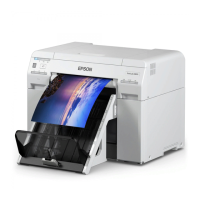
Replacement Procedure
A
Check that the printer's light is on.
If the
light is flashing, the printer is operating. Wait until all operations have stopped.
B
Open the cartridge cover on the right.
A warning buzzer sounds when you open the cover.
C
Be careful not to tilt the maintenance cartridge, and remove it carefully.
Push up, and then pull it out.
See the following for more information on disposing of maintenance cartridges.
U “Disposing of Used Ink Cartridges and Maintenance Cartridges” on page 20
SL-D700 Operation Guide
Replacing the Maintenance Cartridge
58



 To Next Page