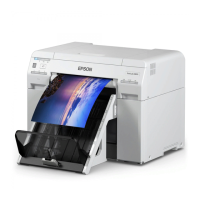
If the paper is under the print head and cannot be easily removed, go to the next step.
G
Move the Print head unit manually, and remove the paper from the rear.
If the paper is on the right, move the print head unit to the left.
If the paper is on the left, move the print head unit to the right.
SL-D700 Operation Guide
Troubleshooting
88



 To Next Page