31
Chapter 2
Using the Chronograph Function
Display screen view
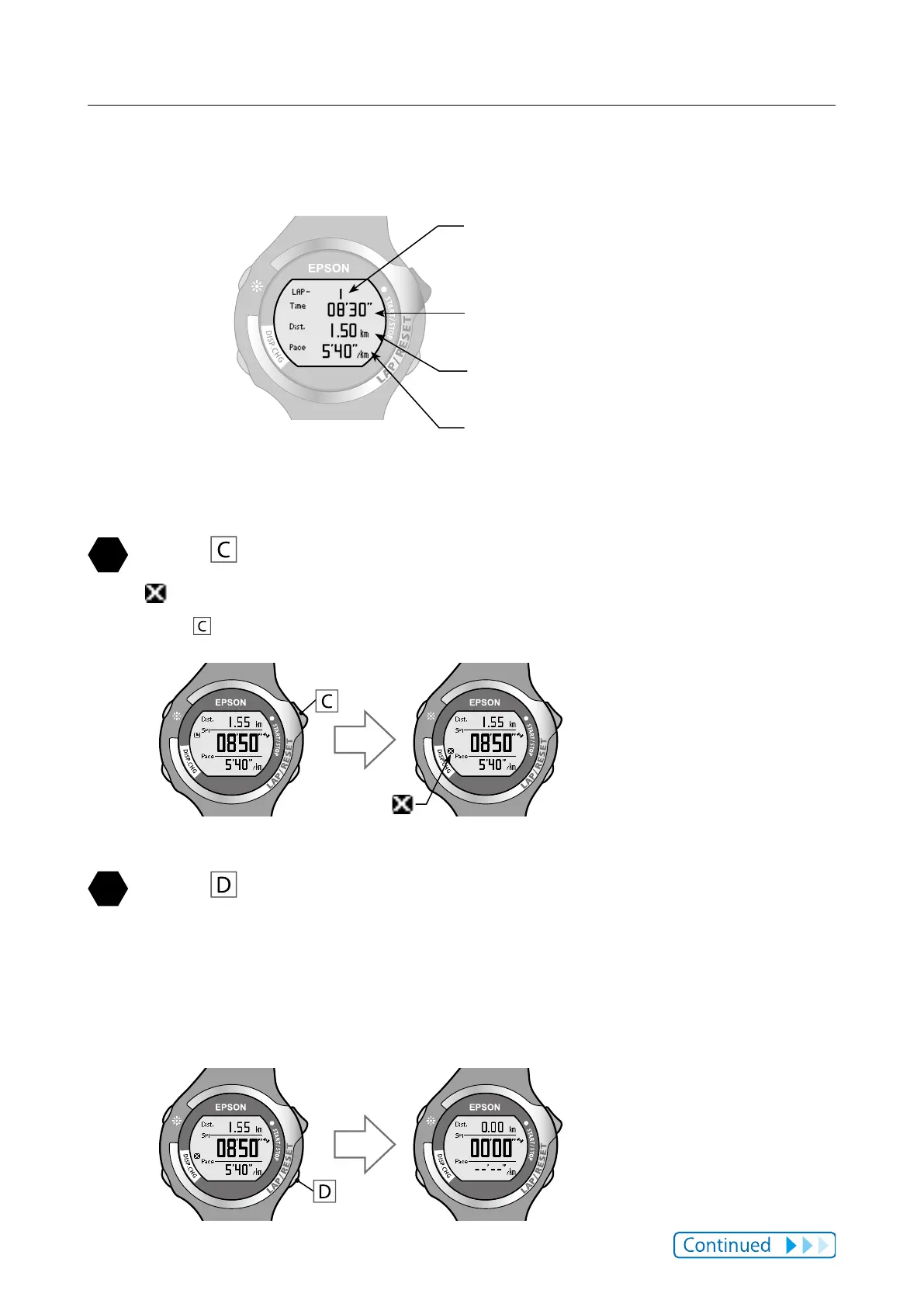
Lap screen
Lap number (LAP -)
Number of lap measurements
(Section measurement)
Lap time (Time)
Elapsed time for specic point
Lap distance (Dist.)
Distance for each section
Lap pace (Pace)
Average pace for each section
(time required for 1 km)
Press while measuring to stop measuring.
is displayed on the measurement screen.
Press
to start measuring again.
Press while measuring has been stopped to reset the
measurement display.
When you reset the display, the values return to zero allowing you to start the
next measurement.
Data that has been measured up to that point is stored in the device's memory.



 To Next Page