32
Chapter 2
Using the Chronograph Function
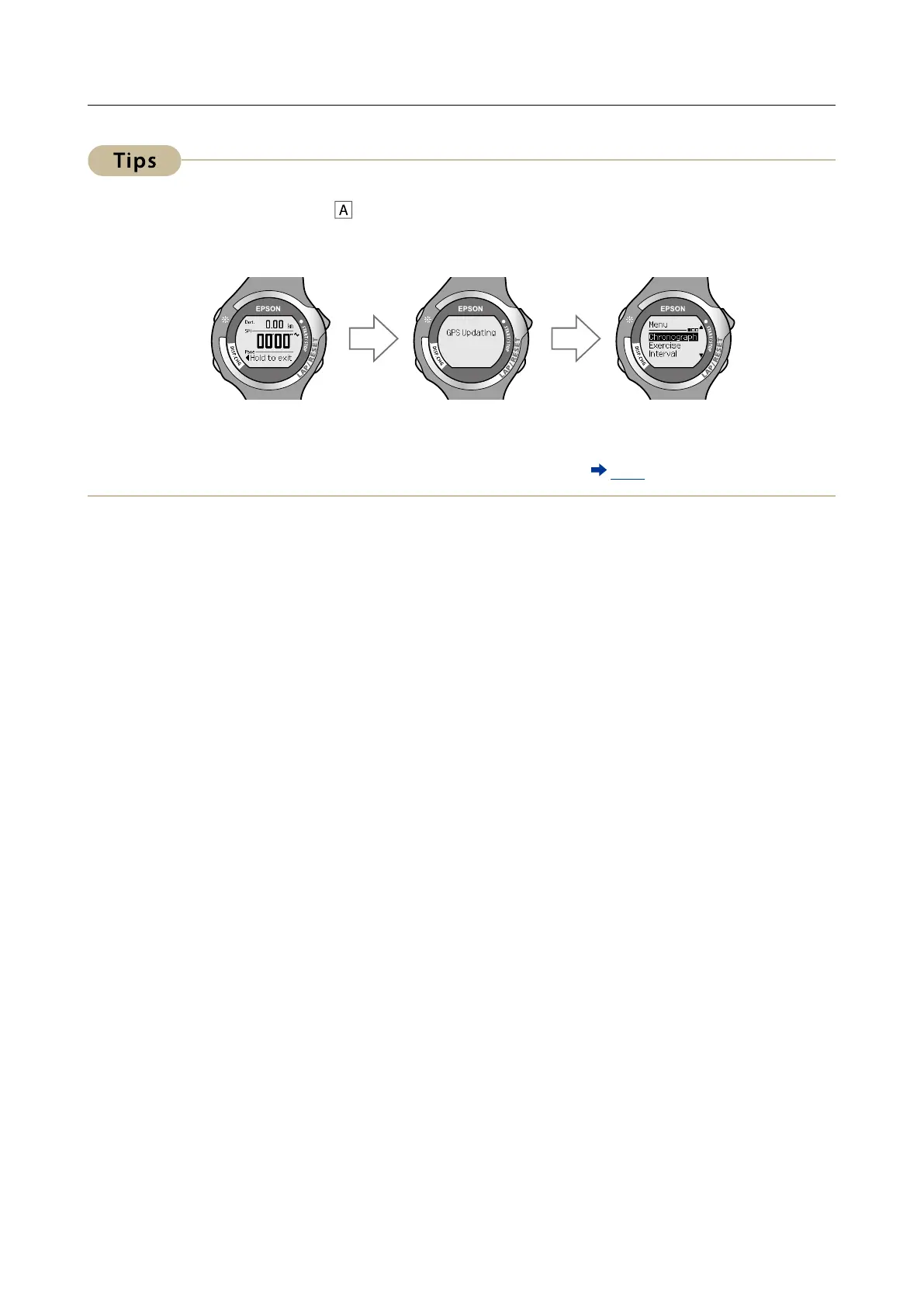
· After resetting, hold down for a few seconds to update GPS data and return to the
[Menu] screen. By updating the GPS data, the GPS measurement data is recorded. The
recorded data is used to increase the measurement accuracy for distance and pace.
· If 60 minutes pass without any measurements being made (if the device is stopped or
before measuring), the [Menu] screen is displayed.
· You can use [Recall] to check the stored measurement data (
P. 55).



 To Next Page