76
Chapter 8
About Settings
Screen settings
Regarding the settings screen, examples of display item combinations are provided in
"Usage Guide (Screen Settings According to Your Needs)" (
P. 106).
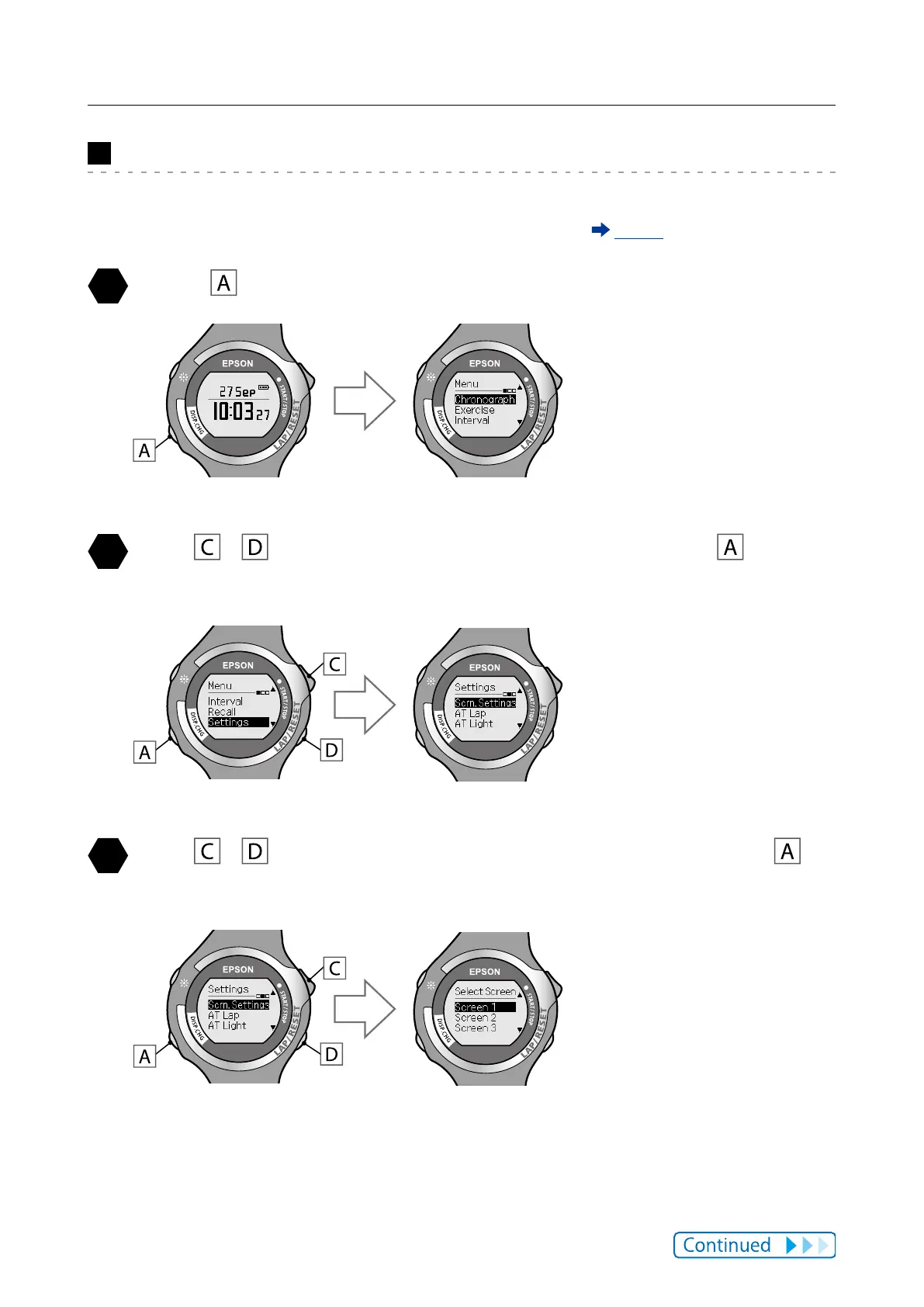
Press to display the [Menu].
Use / to highlight [Settings], and then press .
The [Settings] function selection screen is displayed.
Use / to highlight [Scrn.Settings], and then press .
The [Select Screen] is displayed.



 To Next Page