77
Chapter 8
About Settings
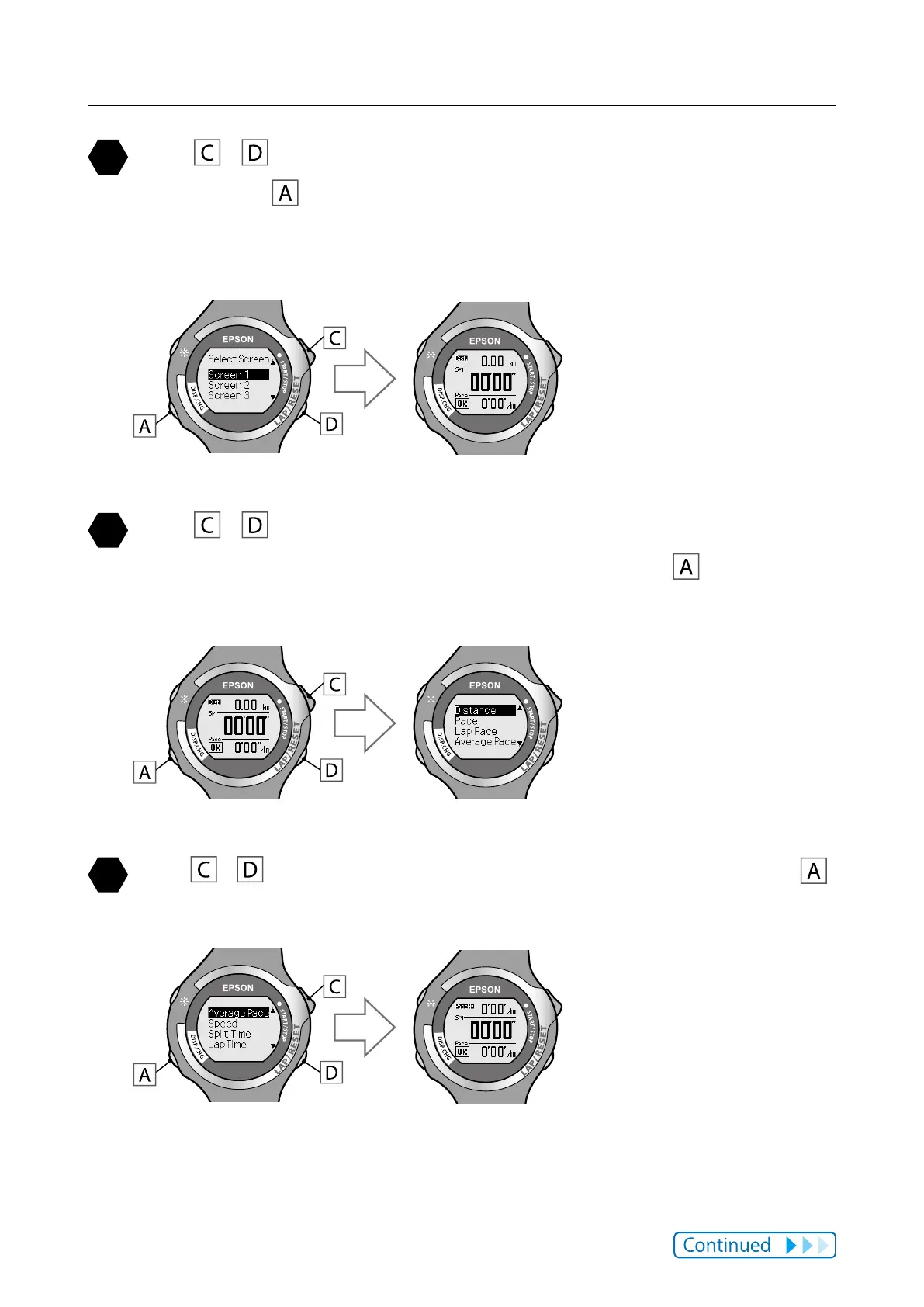
Use / to highlight the settings screen you want, and
then press
.
The screen allowing you to select which part of the screen (top, middle, or
bottom) is displayed.
Use / to highlight the area (top, middle, or bottom) of
the screen you want to select, and then press
.
The measurement value selection screen is displayed.
Use / to highlight the setting you want, and then press .
The displayed values change.



 To Next Page