88
Chapter 8
About Settings
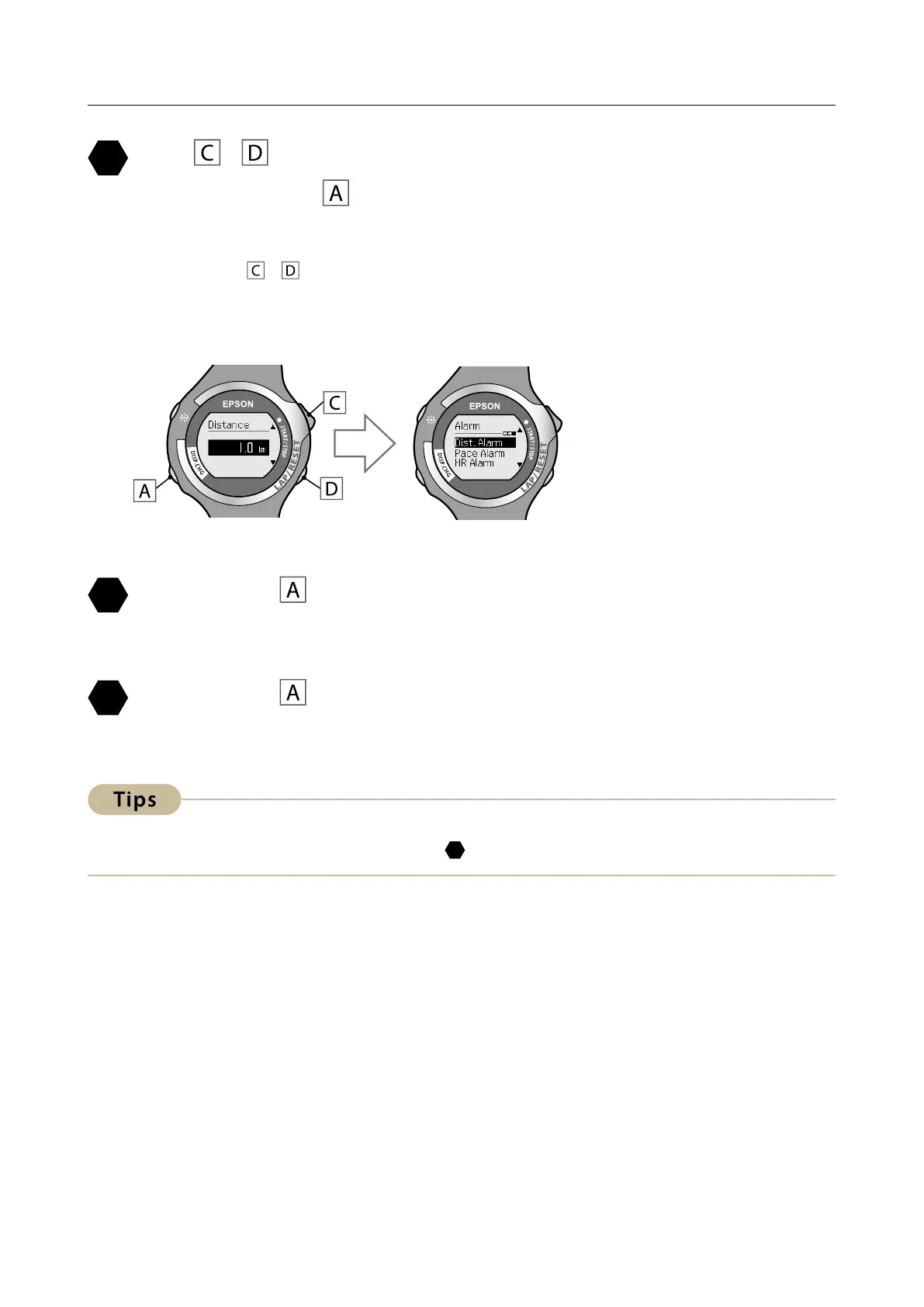
Use / to set the distance at which the alarm sounds,
and then press
.
You can set the distance in increments of 0.1 kilometers from 0.1 to 100.0 km.
Hold down
/ to speed through the numbers.
After conrming the selection, the [Alarm] function selection screen is
displayed.
Hold down for at least two seconds to return to the
[Settings] screen.
Hold down for at least two seconds to return to the
[Menu] screen.
To turn this function o, select [OFF] in step
.


 To Next Page
 Loading...
