93
Chapter 8
About Settings
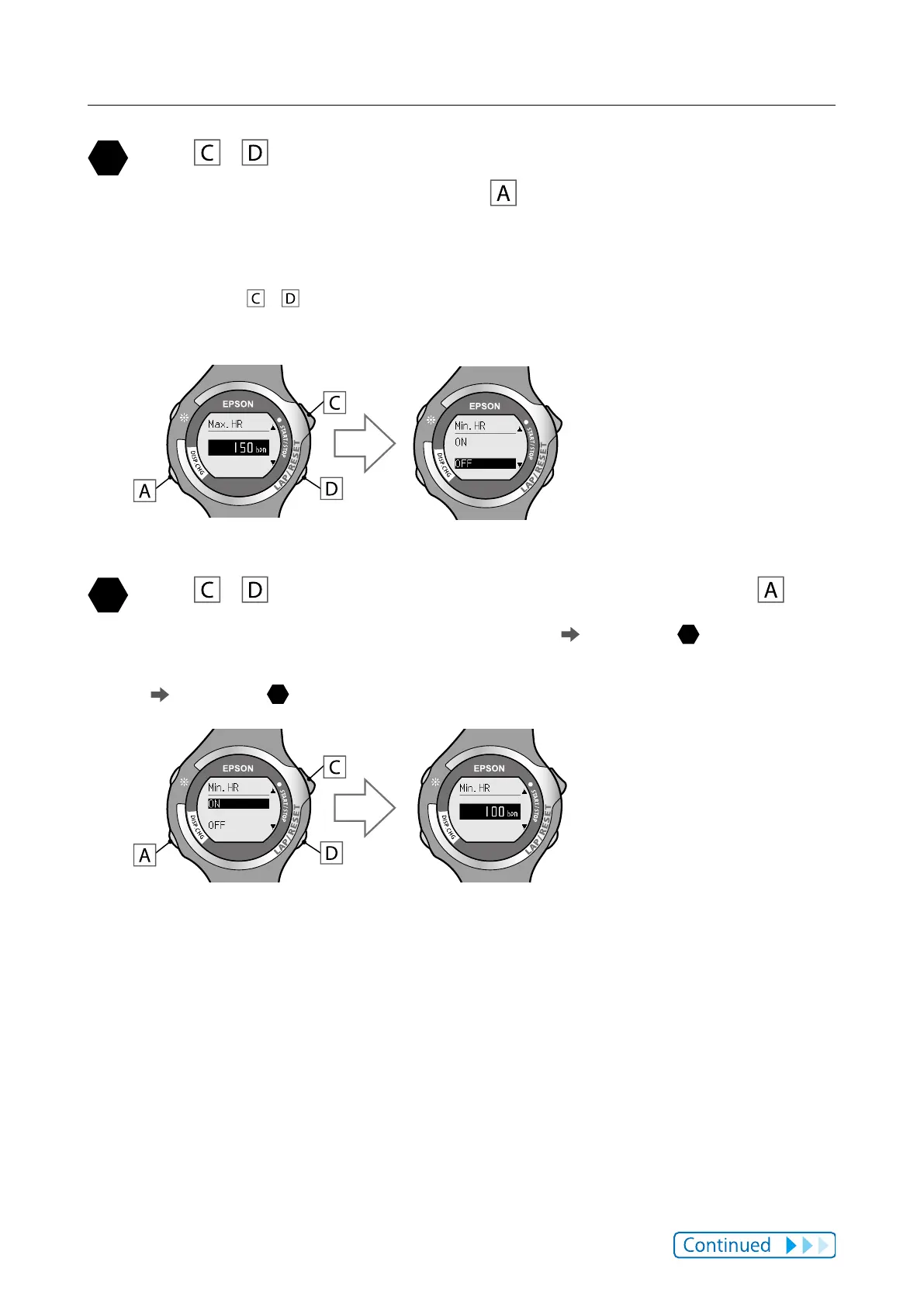
Use / to set the maximum heart rate at which the
alarm sounds, and then press
.
You can set the HR (heart rate) in increments of 1 bpm within a range of 30 to
240 bpm.
Hold down
/ to speed through the numbers.
After conrming the selection, the [Min. HR] screen is displayed.
Use / to highlight [ON] or [OFF], and then press .
Select [ON] to set the minimum heart rate limit ( go to step
).
Select [OFF] when settings are complete without setting a minimum heart rate
(
go to step
).



 To Next Page