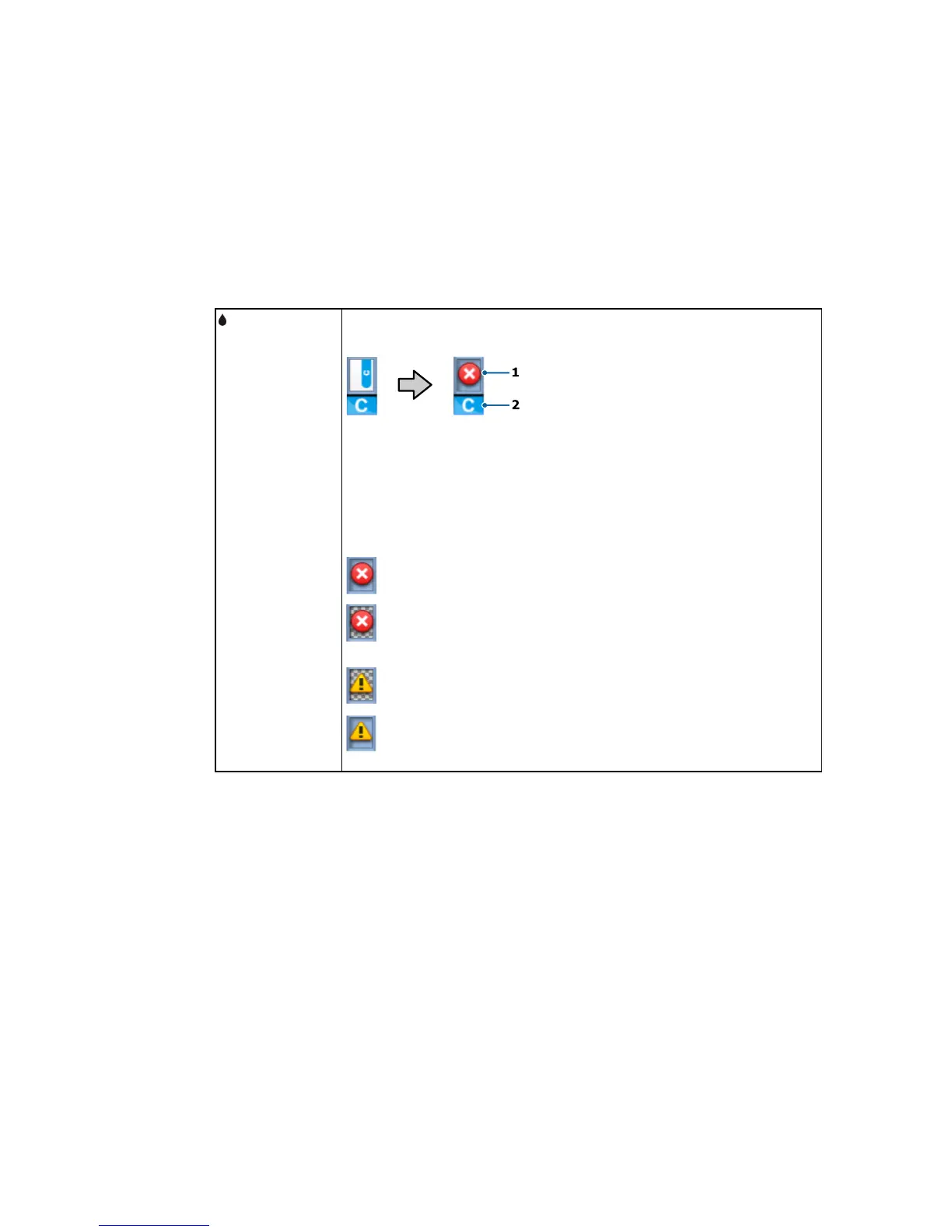
The chip unit status (1) changes from normal (left) to warning or error status
Chip unit status
(right) if necessary.
tab
The ink color is shown below (2).
• HDK: High Density Black
• Y: Yellow
• M: Magenta
• C: Cyan
: Chip unit error; check the displayed message and clear the error
: Chip unit is incompatible, or the printer does not recognize it, or the slider
is unlocked
: Check the displayed chip unit message
: When not flashing, check the ink level in the ink tank, then replace the chip
unit and refill the ink, if necessary. When flashing, replace the chip unit.
14



 To Next Page
 Loading...









