Rev. A Command Descriptions 1-17
TM-T88/T88P (TM-T85/T85P) Information Manual
Character Width Selection Character Height Selection
.
GS B n
[Name] Turn white/black reverse printing mode on/off
[Format] ASCII GS B n
Hex 1D 42 n
Decimal 29 66 n
[Range] 0 ≤ n ≤ 255
GS B n turns white/black reverse printing mode on or off. When the LSB (least significant bit) of n is
1, white/black reverse printing mode is turned on; when it is 0, this mode is turned off. The default
setting is n=0. In white/black reverse printing mode, characters are printed in white on a black
background. This command is effective for all characters (except for HRI characters).
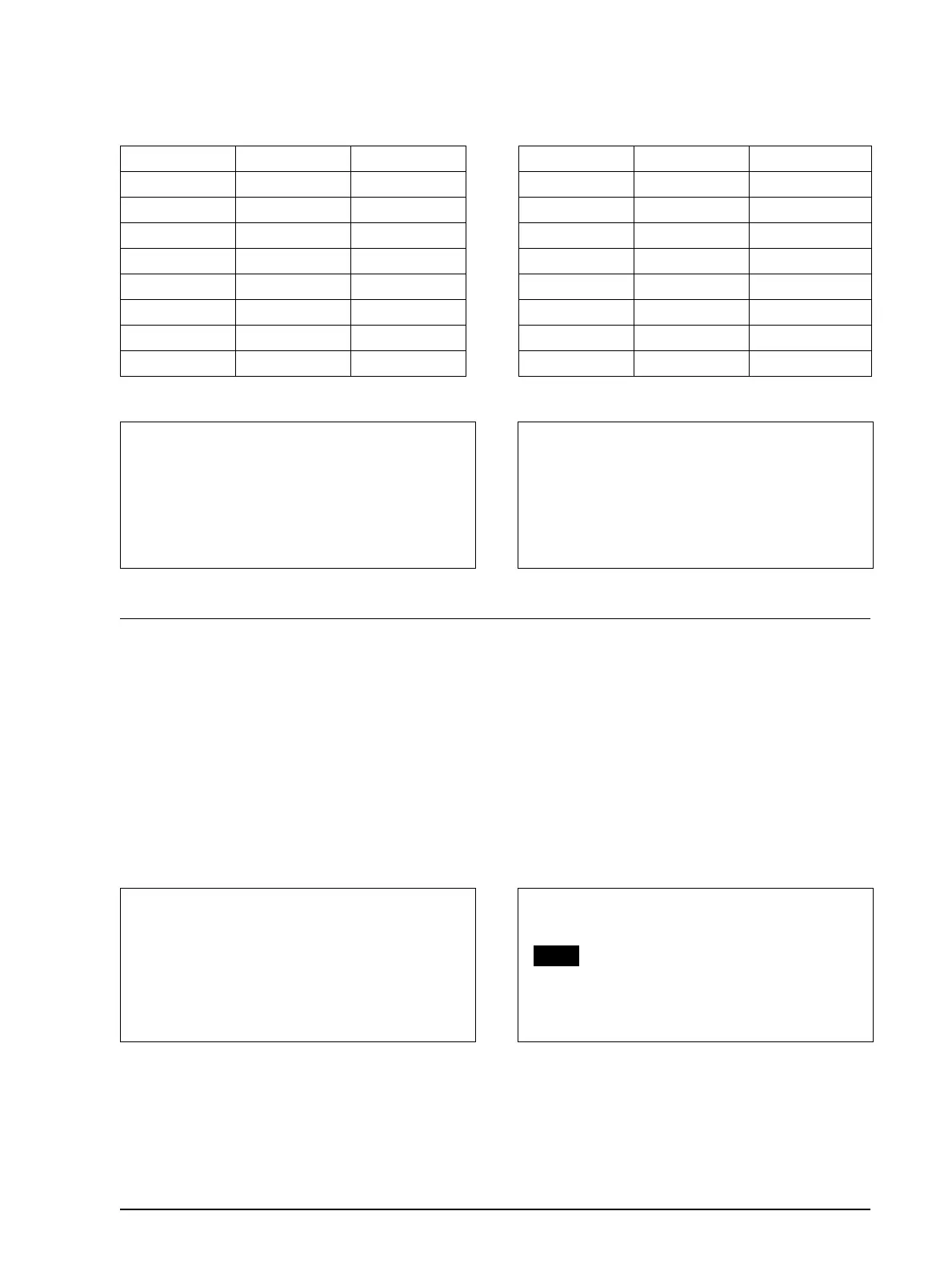
Hex Decimal Width Hex Decimal Height
00 0 1 (normal) 00 0 1 (normal)
10 16 2 (double width) 01 1 2 (double height)
20 32 3 02 2 3
30 48 4 03 3 4
40 64 5 04 4 5
50 80 6 05 5 6
60 96 7 06 6 7
70 112 8 07 7 8
Program Example Print Sample
PRINT #1, CHR$(&H1D);"!";CHR$(68);
PRINT #1, "BBBBB"; CHR$(&HA);
PRINT #1, CHR$(&H1D);"!";CHR$(0);
PRINT #1, "AAAAA"; CHR$(&HA);
Program Example Print Sample
PRINT #1, CHR$(&H1D);"B";CHR$(1);
←
Select
PRINT #1, "AAAAA"; CHR$(&HA);
PRINT #1, CHR$(&H1D);"B";CHR$(0);
←
Cancel
PRINT #1, "BBBBB"; CHR$(&HA);
BBBBB
←
Normal
normal font height
and five-times
normal font width
AAAAA
←
Select five-times
BBBBB
←
Normal printing
AAAAA
←
White/black reverse printing



 To Next Page
 Loading...