186
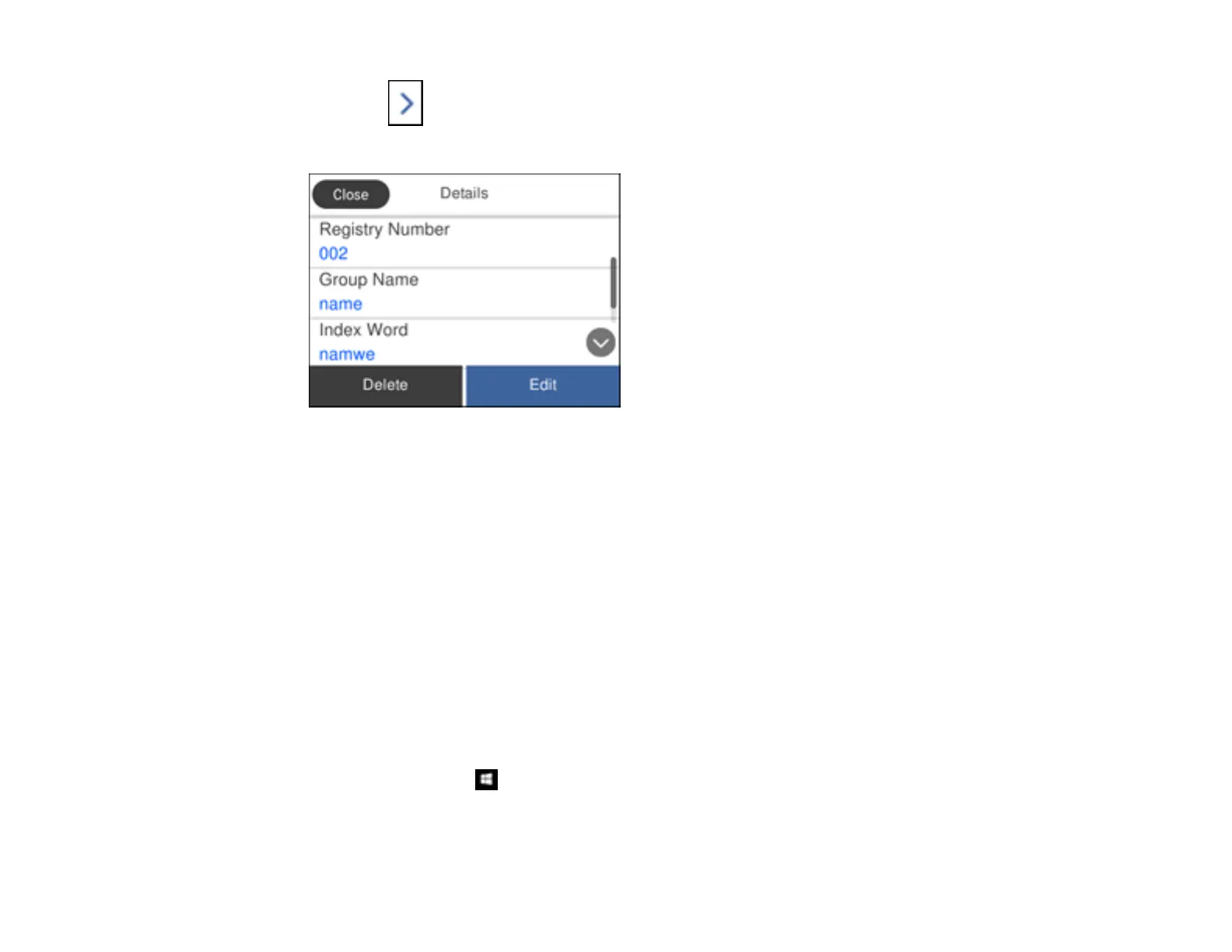
4. Select the icon next to the group you want to edit or delete.
You see a screen like this:
Note: If you want to delete the entire group, select Delete.
5. To edit the group, select Edit.
6. Select Contact(s) Added to the Group.
You see a list of the contacts in your group.
7. To add or delete a contact, select the number next to it.
8. Select OK.
Parent topic: Setting Up Contacts Using the Product Control Panel
Importing Contacts Using the Fax Utility - Windows
You can edit contacts stored in your product and import contacts from your Windows Address Book to
the PC-FAX Phone Book in the FAX Utility for Windows.
1. Do one of the following:
• Windows 10: Click and select EPSON Software.
• Windows 8.x: Navigate to the Apps screen.



 To Next Page
 Loading...









