Wi-Fi or Wired Networking
See these sections to use your product on a Wi-Fi or wired network.
Wi-Fi Infrastructure Mode Setup
Wi-Fi Direct Mode Setup
Wi-Fi Protected Setup (WPS)
Printing a Network Status Sheet
Changing or Updating Network Connections
Wi-Fi Infrastructure Mode Setup
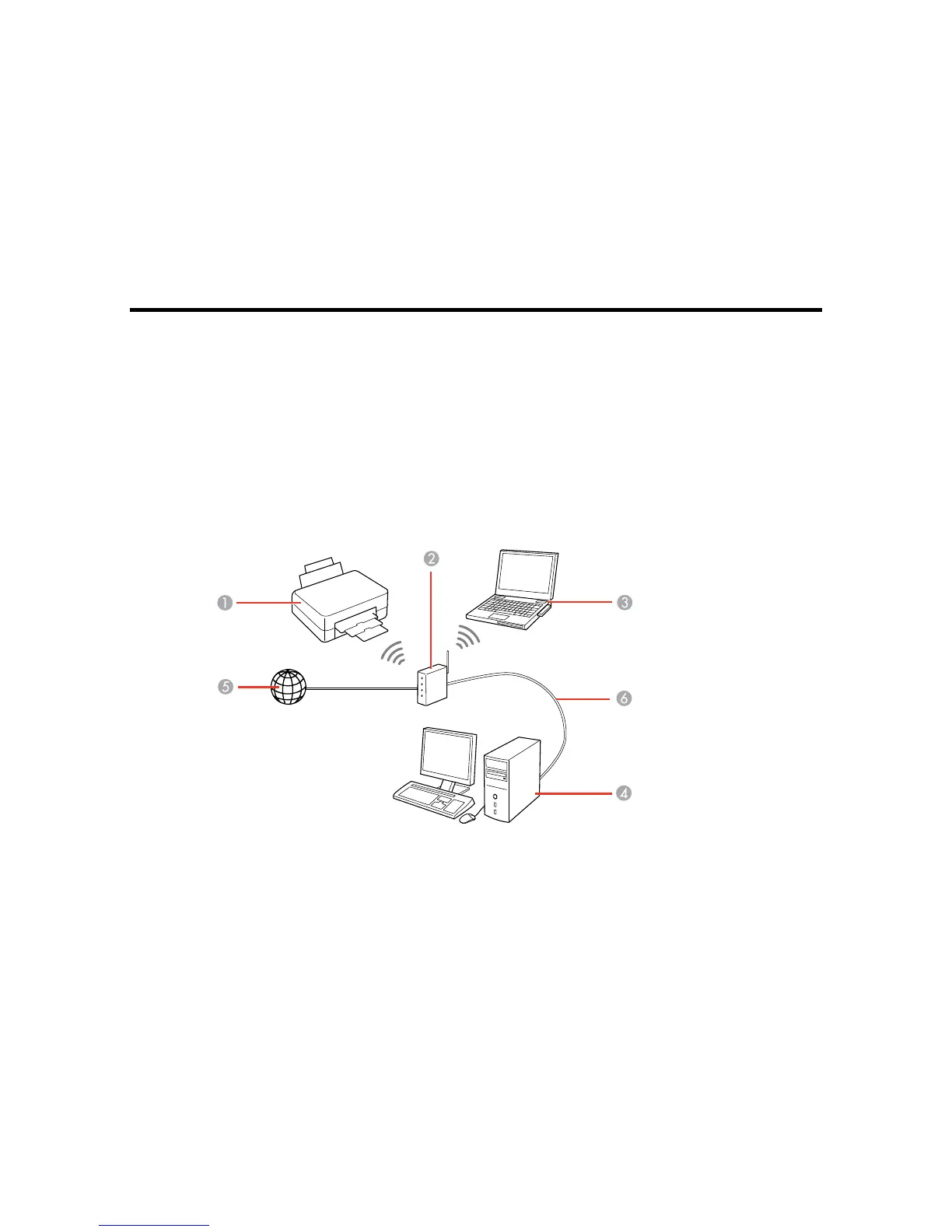
You can set up your product to communicate with your computer using a wireless router or access point.
The wireless router or access point can be connected to your computer over a wireless or wired network.
1 Epson product
2 Wireless router or access point
37


 To Next Page