2 • Unit description
10 / 46
80116-443
10.16
Factory setting and Reset
Factory setting The IES 2 has the following settings when it is delivered by the manufac-
turer:
• Operation suction: 80 %
• Basic suction: 10 %
• Run-on time: 2 s
• Occlusion / system blocked (sensitivity): 5
• Occlusion / system blocked (retrigger hold-time): 0 s
• Display brightness: 10
• Sound: on (=1)
• Basic suction time: 30 s
• Setting mode inhibit: off (=0)
• Basic setting inhibit: off (=0)
Reset
(reset unit to factory settings)
IMPORTANT! The unit can only be reset once the "Basic setting inhibit"
service function is off (=0), see page
27.
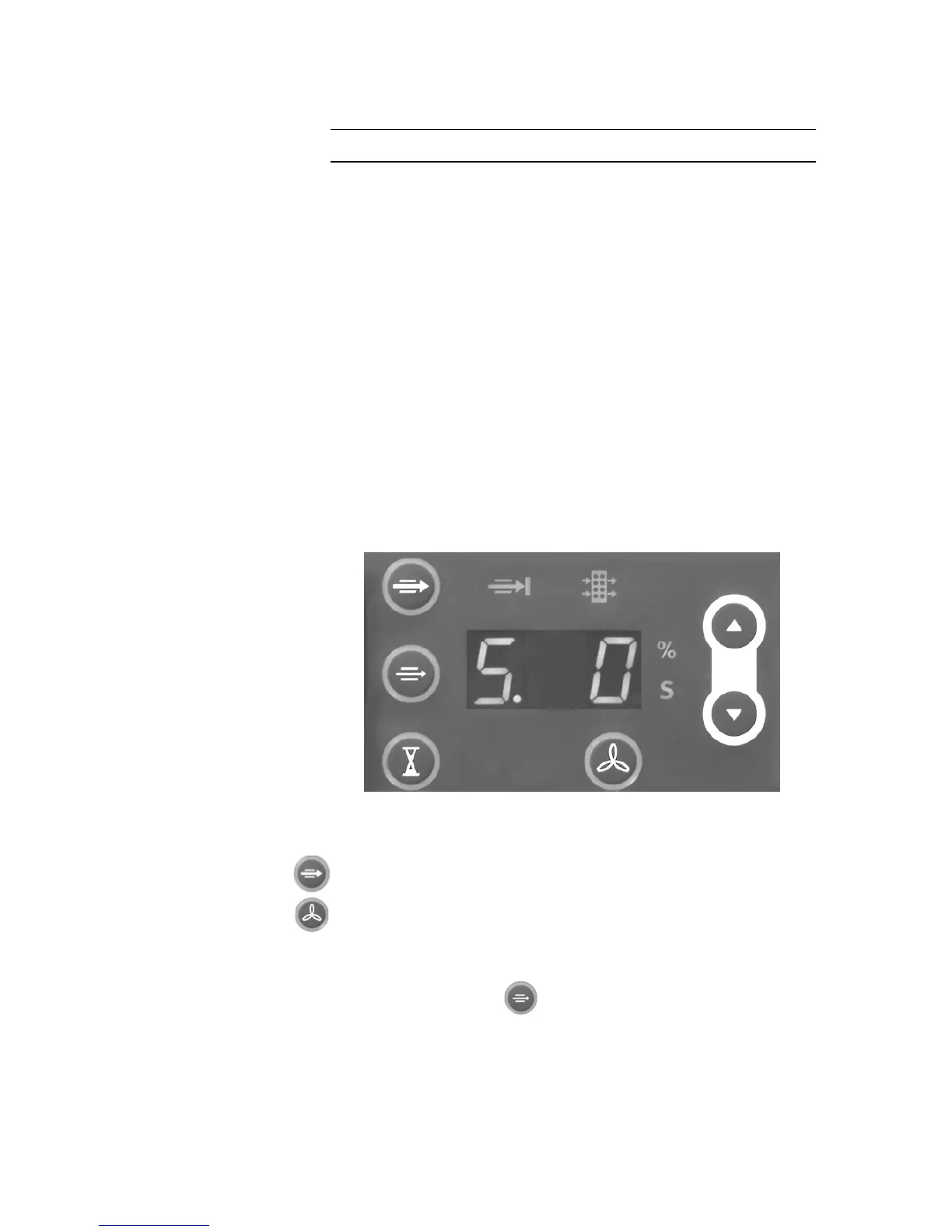
Fig. 2-1
1. When switching on the unit, keep the power switch and Operation
suction button pressed until <S. 0> appears in the display.
2. Press the START Suction button within 5 seconds.
The unit is reset to the factory settings if:
– <P. 1> appears in the display,
–the Basic suction button illuminates and
– the %-s-display flashes
3. To exit the Setting mode, switch off the unit.



 To Next Page