27 / 46
6 • Settings and service functions
80116-443
10.16
Service mode
Overview
Calling up Service mode
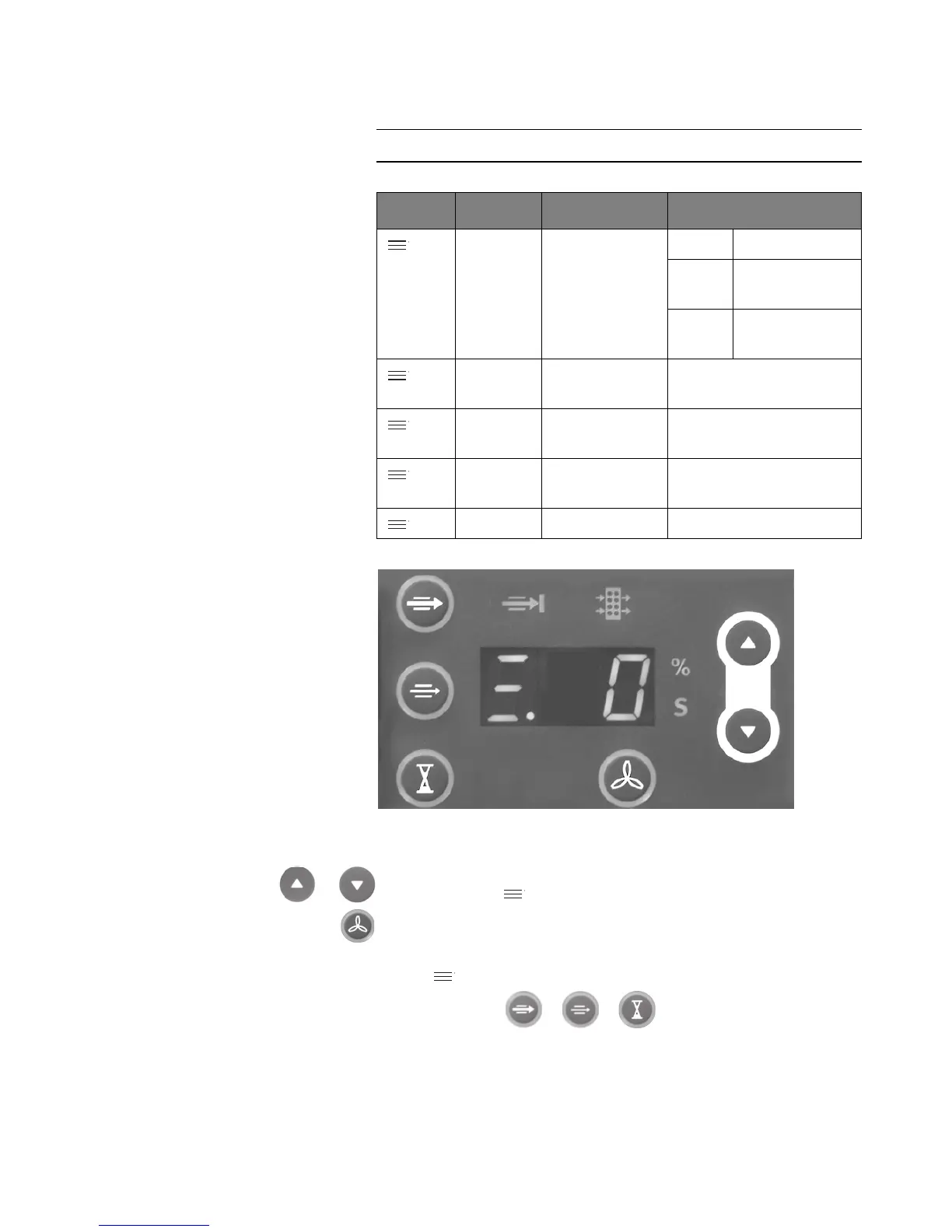
Fig. 6-2
1. When switching on the unit, keep the Higher / Lower buttons button
pressed until < . 0> appears in the display.
2. Press the START Suction button within 5 seconds.
The Service mode is called up if:
– < . 1> appears in the display,
– the buttons illuminate and
– the %-s-display flashes
Display Assembly Setting Range
.1 Error Error list display 0.x last error
1.x last error but
one
2.x to
9.x
Error log
.2 Error Delete error list 0 (=no)
1 (=yes)
.3 Parameter Basic setting
inhibit
0 (=off)
1 (=on)
.4 Parameter Setting mode
inhibit
0 (=off)
1 (=on)
.5 Software Display version xx (00 – 99)



 To Next Page