6 • Settings and service functions
26 / 46
80116-443
10.16
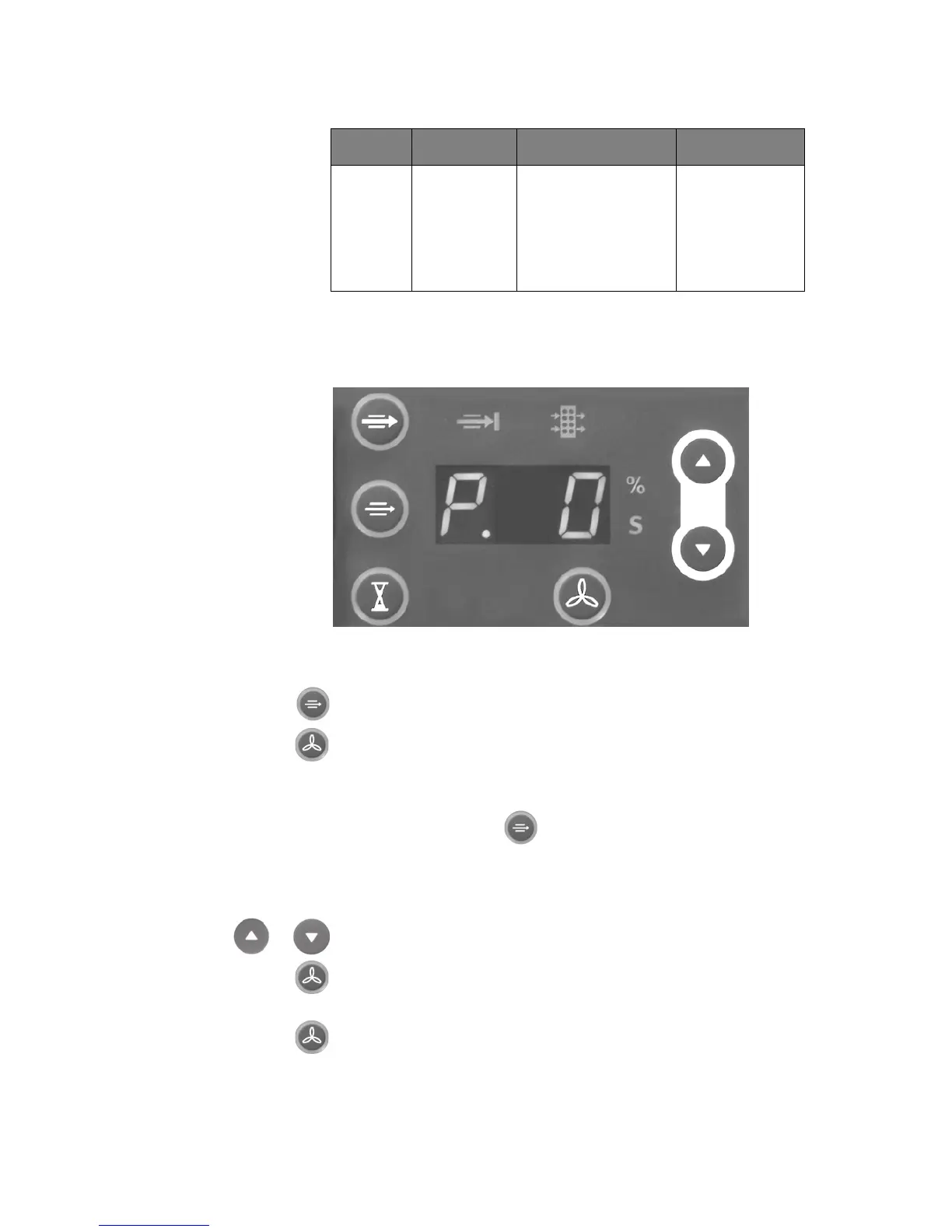
Calling up Setting mode IMPORTANT! The Setting mode can only be called up once the "Setting
mode inhibit" service function is off (=0), see page
27.
Fig. 6-1
1. When switching on the unit, keep the power switch and Basic suction
button pressed until <S. 0> appears in the display.
2. Press the Activation on/off within 5 seconds.
The Setting mode is called up if:
– <P. 1> appears in the display,
–the Basic suction button illuminates and
– the %-s-display flashes
Change settings
1. Select the required setting (P. 1 to P. 6) with the Higher / Lower but-
tons.
2. Press the START Suction button.
The selected setting can now be changed with the Higher / Lower
buttons.
3. To save the changed setting press the START Suction button again.
Quitting the setting mode 1. To exit the Setting mode, switch off the unit.
P. 6 Filter Filter status display 0 – 99 %
99 % (=new)
3 % (=almost
exhausted)
0 %
(=exhausted)
Display Assembly Setting Range



 To Next Page