- 27 -
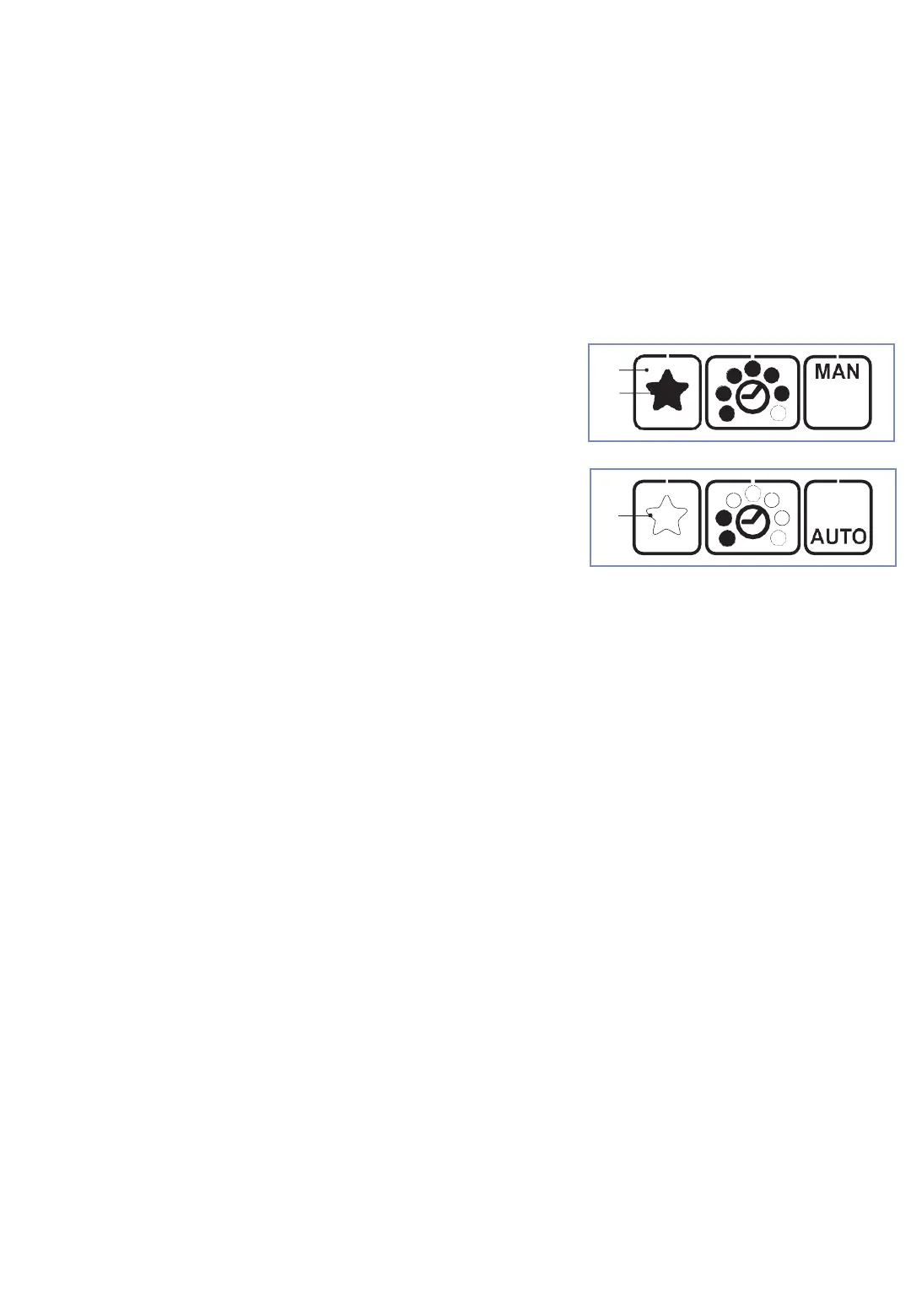
6.6 Select favourite*
1
2
3
Deactivate favourite:
• Press „favourite“ button (1).
The star (2) changes from bold
to outlined. All parameters change
to the pre-set values of this
settings level.
Activate favourite:
• Press „favourite“button (1). The star (3)
changes from outlined to bold. All
parameters change to the pre-set values of
this settings level.
The function „favourite“ activates a second settings level, whose parameters can
be set freely like those of the main level.
This enables the operator to quickly change from one setting into the other.
Fig. 17c
Fig. 17d
• The operating mode favourite is factory blocked! Activation only through your
ErgoPack service partner possible.



 To Next Page